Declaration docs
Applications, acts, letters, the broker's invoice and other documents built from the declaration boxes.
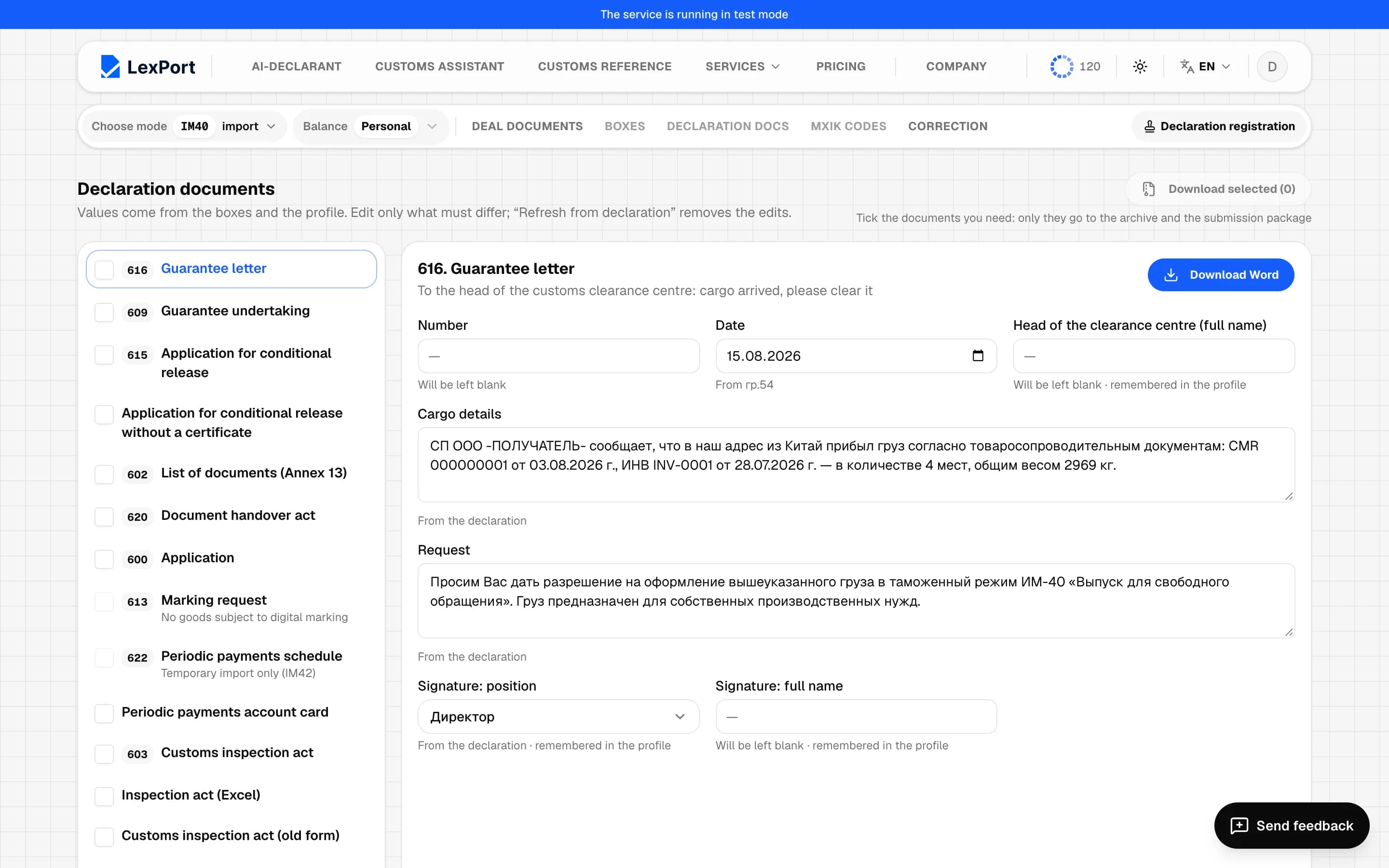
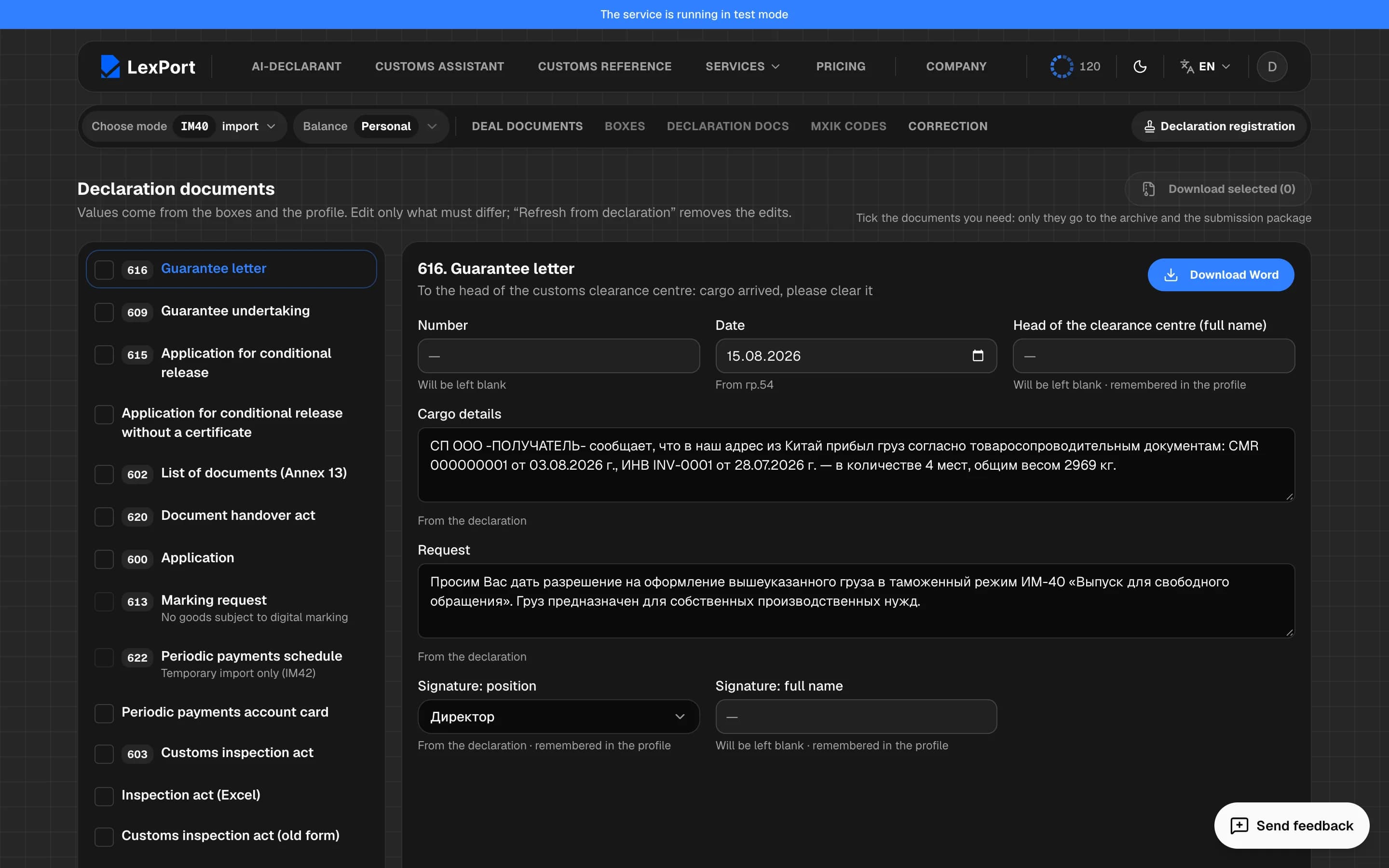
The Declaration docs section gathers the documents submitted together with the declaration. Values are taken from the boxes and your profile — edit only what should differ.
How it works
- The list of documents is on the left. A tick next to a document means it's needed: only ticked documents go into the archive and the submission package. The tick is saved in the deal.
- The open document with its fields is on the right. A field is saved when you leave it. Under each field it says where the value comes from: the declaration (for example "From box 54"), the client directory, the profile, "Will be left blank" or "Entered manually".
- Download Word or Download Excel — the open document; Download selected — an archive of the ticked ones.
- Refresh from declaration appears when the document has edits: it clears them and brings back the values from the declaration.
If you enter a value that matches the automatic one, the edit is cleared.
What's remembered
- The signatory's position and full name — separately for each party company.
- The post head, post or customs officer — for each post.
- The head of the customs clearance center, the VAT rate, "VAT included in the price", the VAT registration number and the chief accountant on the invoice — one value per profile.
Such fields are marked "remembered in the profile".
Tables
In the inventory, the document handover acts, the application with cargo and the payment schedule, the fields are tables: Add row, Remove line, and the inventory has an "original/copy" column.
Documents
| No. | Document | Purpose |
|---|---|---|
| 616 | Letter of guarantee | to the head of the customs clearance center: the cargo has arrived, please clear it under the regime |
| 609 | Guarantee obligation | with the nature of the cargo and details |
| 615 | Application for conditional release | at least one item is required |
| — | Application for conditional release without a certificate | letter to the post |
| 602 | Inventory of documents (appendix 13) | declaration, CVD, box 44 documents and box 53 carnets |
| 620 | Document handover act | place, who receives, representative |
| 600 | Application | an individual's application with a cargo table |
| 613 | Labeling request | if there are goods subject to digital labeling |
| 622 | Periodic payment schedule | IM42 only |
| — | Periodic payments ledger card | Excel |
| 603 | Customs inspection act | form in Uzbek |
| — | Examination act | Excel |
| — | Customs inspection act (old form) | with working hours and vehicle |
| — | Examination letter | import only |
| — | Application to cancel the declaration | with the reason |
| 605 | Sampling act | goods and sample packaging |
| 607 | Sample labels | |
| 612 | Letter to the central customs laboratory | |
| 601 | Goods import card | import only |
| 608 | Work order | |
| 610 | Broker's invoice and act | service fee and VAT |
| 621 | Cargo handover act | |
| 617 | Unloading act | |
| — | Examination report | import only |
| — | Inventory of goods for sampling | |
| — | Routing slip | |
| — | Customs receipt order | Excel |
| — | Cargo redirection letters | request and consent |
Broker's invoice and act (610)
The broker and the agreement can be taken from the directory — Broker from directory, Agreement from directory. The service fee is calculated from the BCV (base calculation value), as a percentage of the customs value (box 12) or invoice value (box 22), or as an amount in sum; the VAT rate and "VAT included in the price" are set there too.
Why a document is grayed out
The reason is written under its name: import or export only, no goods subject to labeling or certification, no goods in the declaration, temporary import (IM42) only.
Keys
On the boxes screen and here: F4 — Application, F6 — Inventory of documents, F7 — Inspection act, F8 — Sampling act, F9 — Invoice, F10 — Guarantee obligation.