Your first declaration
From uploading documents to a finished declaration.
Sign in to LexPort
Open lexport.io and sign in with Google or email. The ring at the top right shows how many documents are left on your plan.
Upload the deal documents
On the AI-Declarant page, drop the files into the upload area: invoice, CMR, packing list, contract, vehicle passport. PDFs, scans, photos, Excel files and archives all work. Then press Extract data at the bottom — each document is read separately, and its progress is shown next to the file. More in Uploading documents.
Review the boxes
Once the documents are read, open the declaration: the boxes are filled from them. Values the system could not determine are highlighted — type them in or pick them from a directory.
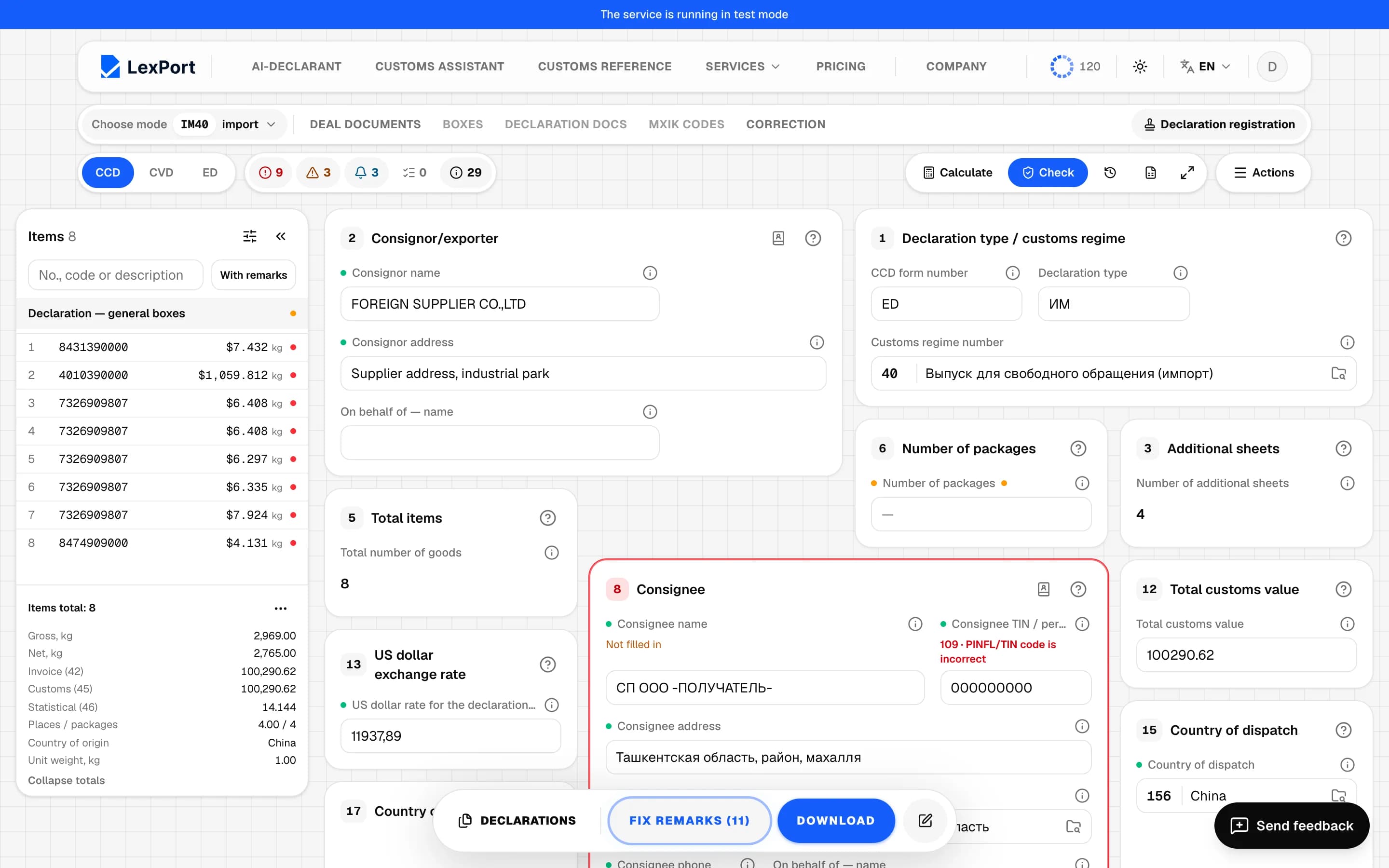
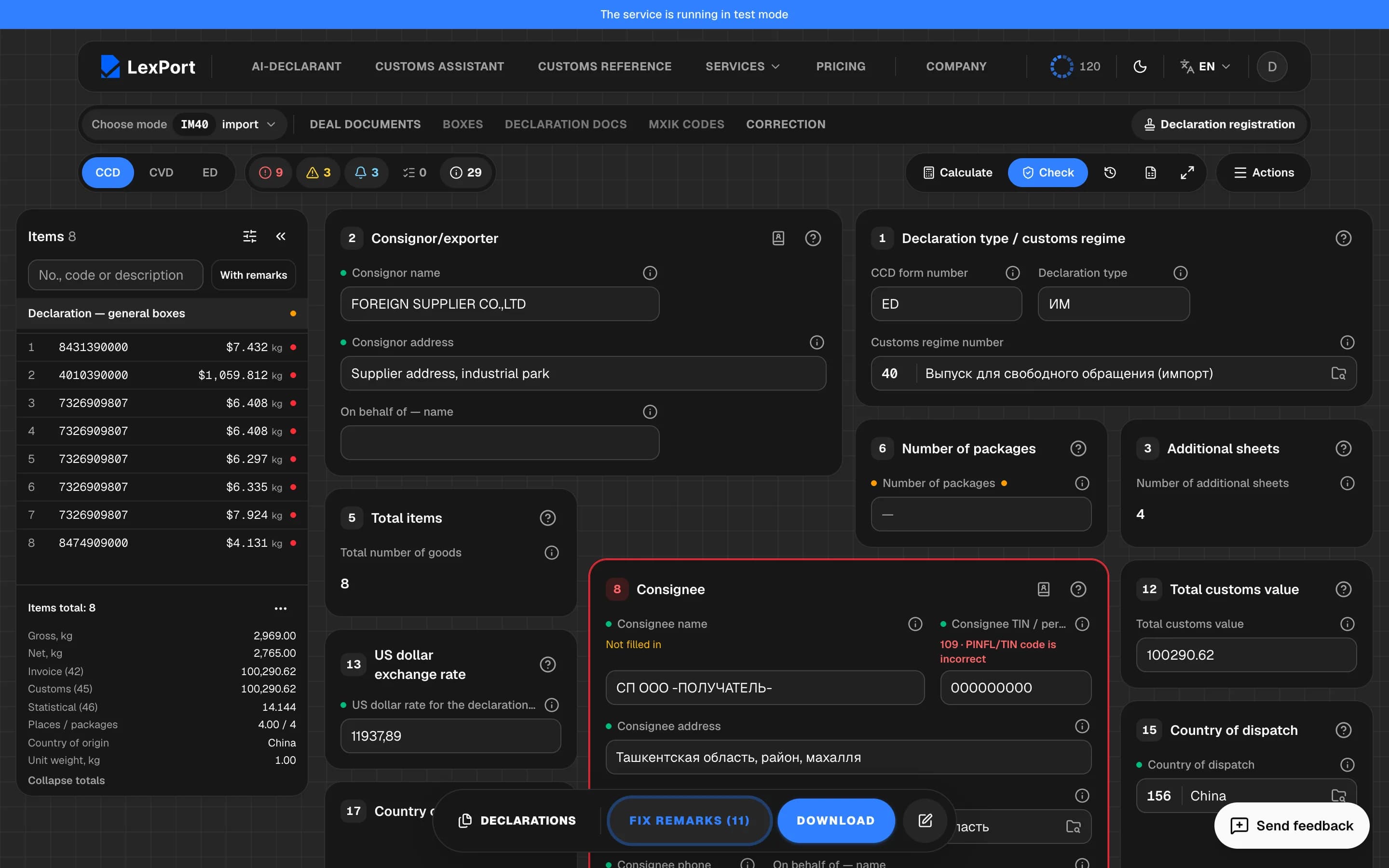
Press Check and export
The error list shows what blocks submission, and Fix opens the right field. When there are no errors left, export the XML or the submission package.