My declarations
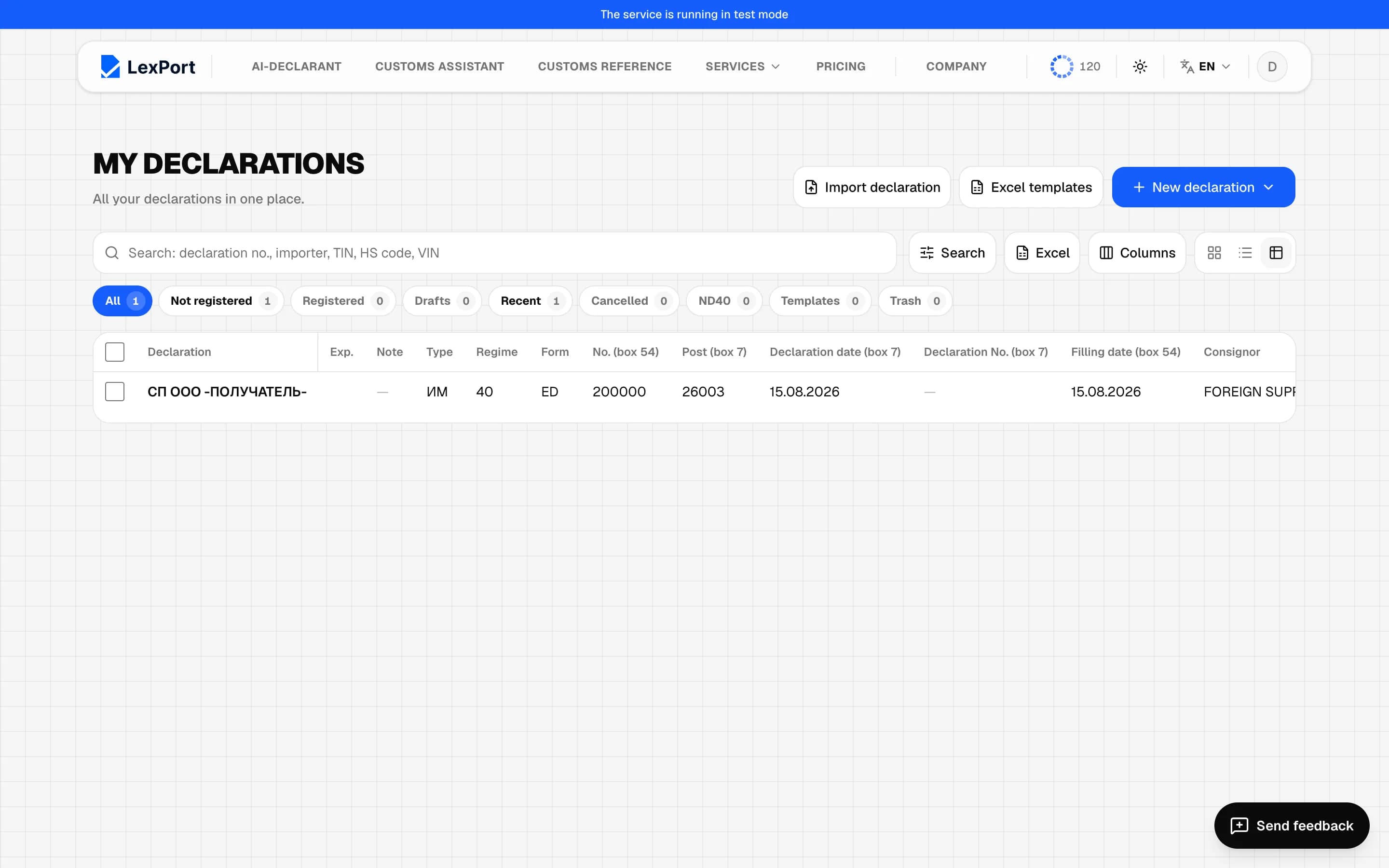
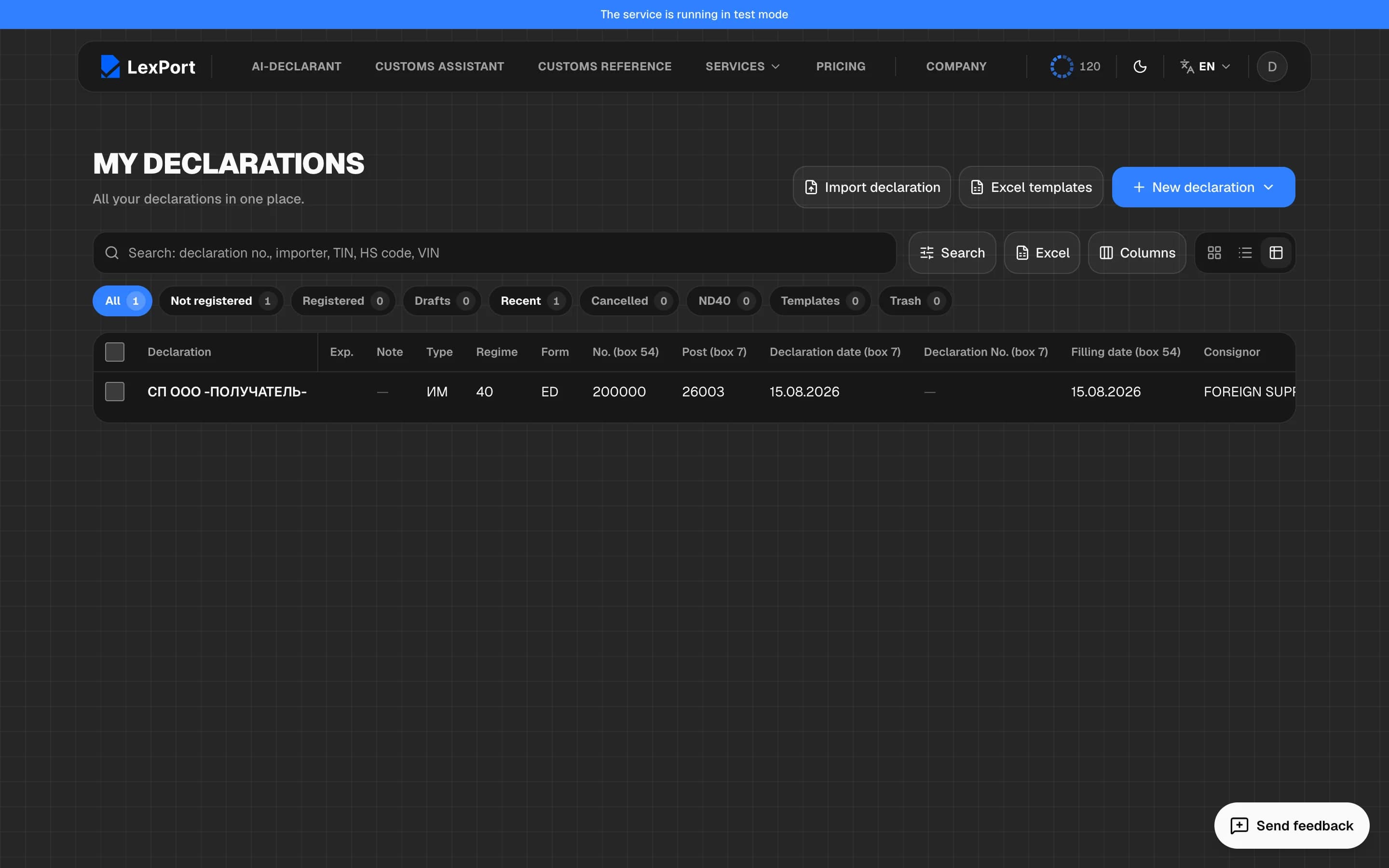
The declarations journal — search, sections, columns, bulk actions, trash, templates and importing a finished declaration.
Create a declaration
New declaration at the top right:
- From documents — opens the document upload screen;
- Blank declaration — goes straight to the boxes, you fill them in yourself;
- Create from template — starts from a saved template;
- EK10 in 3 steps — a wizard for an export declaration.
Find a declaration
The search bar looks through the declaration number, importer and sender, TIN, contract, item code and description, VIN and note. The Search button opens advanced search: period, regime, TIN/PINFL, HS code, box 44 document, container, warehouse, transport and other boxes.
Sections
| Section | What's in it |
|---|---|
| All | all declarations |
| Not registered | in progress, no declaration number yet |
| Registered | with a declaration number |
| Drafts | drafts |
| Recent | the 20 most recently changed |
| Cancelled | cancelled declarations |
| ND40 | declarations under the ND40 regime |
| Templates | saved templates |
| Trash | deleted declarations |
Below the declaration name is its status: Registered, Correction, Draft or Cancelled.
View and columns
The journal can be shown as a Table, Cards or a List. In the table, Columns picks what to show, and clicking a header sorts by it. Excel exports the current list with its filters.
Click a row or press Enter to open it; Ctrl + click opens it in a new tab.
Bulk actions
Tick declarations to select them — a panel appears at the bottom with their totals and these buttons:
- Export XML — an archive with the files of all selected declarations;
- Transfer to another regime;
- Duplicate — a copy without the declaration number, totals and payments; Duplicate 100% — everything except the declaration number and date;
- Note… and Label… — a note and a colored dot;
- Move to trash;
- reports on the selected declarations.
Trash
Move to trash doesn't delete a declaration for good: you can Restore it from the Trash section at any time. Delete permanently erases it along with its documents, with no way back.
Templates
Save a template from an open declaration: Declaration registration → Save as template. The template keeps the declaration header, without documents or items. To start a declaration from a template, use New declaration → Create from template.
Import a finished declaration
Import declaration accepts XML, ZIP (the declaration together with its
electronic documents), PDF from the portal, and .cd and .dcl files —
several at once if you like. Each one becomes a new working declaration. If a
declaration with the same number already exists, LexPort asks whether to skip
it, add a new one or replace the existing one.
Quick switch — the Declarations window
The Declarations button in the bottom panel of the boxes screen opens a list of your deals with search and statuses, so you can jump to another one without going back to the journal. The one open now is marked Current.