Customs reference
Own benefits
Your company's benefits by HS code, filled into boxes 44 and 36.
Sign-in required. Here are your company's benefits by HS code: during calculation a matching benefit appears in the item's benefit selection window, and choosing it writes the exemptions to box 44 and the letters to box 36.
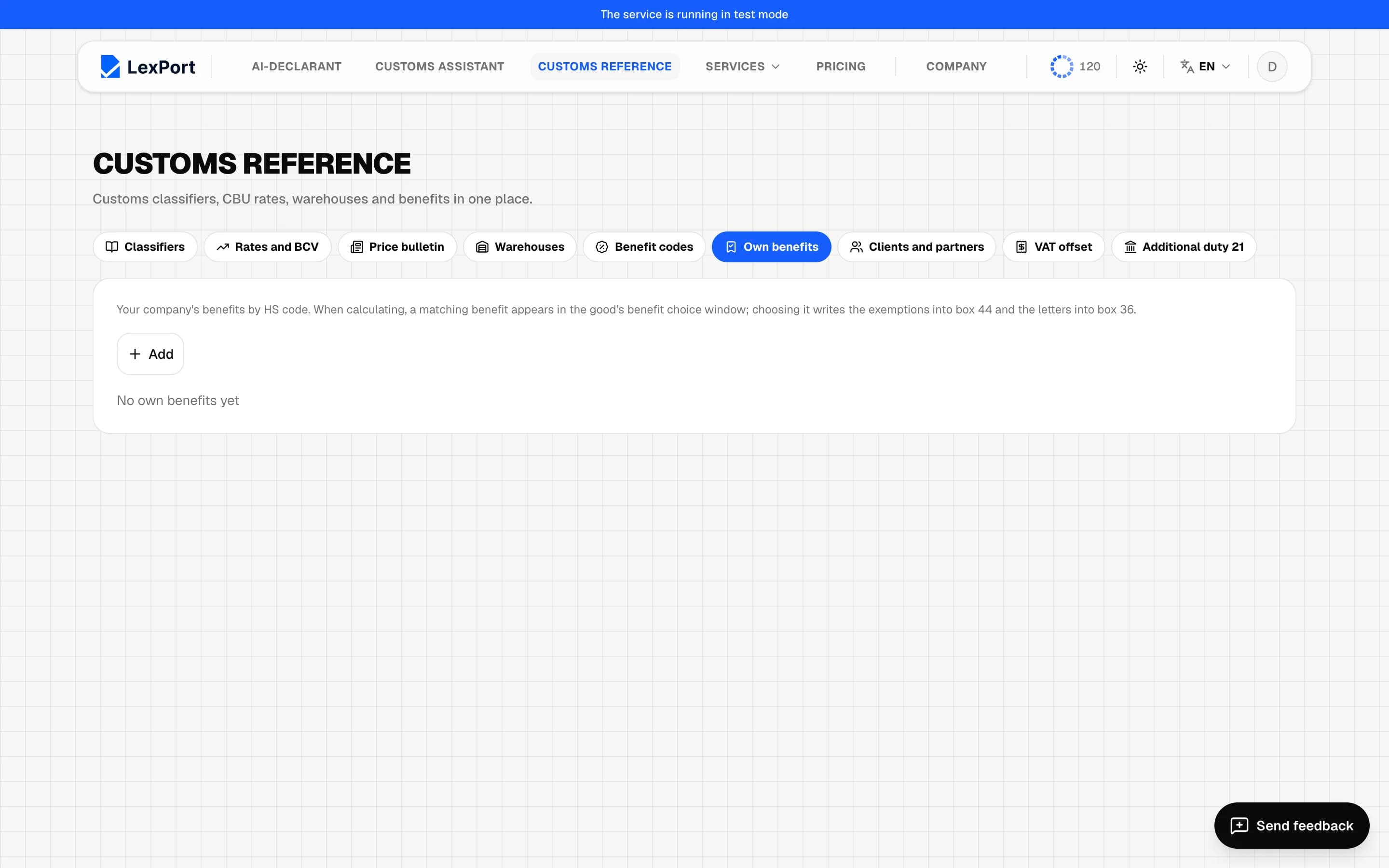
Add a benefit
Add opens the New benefit window:
- name, payer TIN (empty — for everyone), note, validity period;
- Exemptions in box 44 — up to 4 lines: item No. (610, 620, 625, 627, 629, 679), box 36 letter, type, number, date, note;
- HS codes — "from … to …" ranges with a validity period. Codes are compared in full: "from 8400000000 to 8499999999".
Click a row to edit it, the trash icon deletes it after confirmation.
When it applies
A benefit matches an item if its code falls in the range, the declaration date is within the validity period, and the TIN matches or isn't set. The selection window opens on Calculate or Actions → Box 44 benefits; Save puts 6XX lines into box 44 and letters into box 36.