Services
Customs assistant
Finding an HS code, matching by photo, the payment calculator, documents and benefits by code.
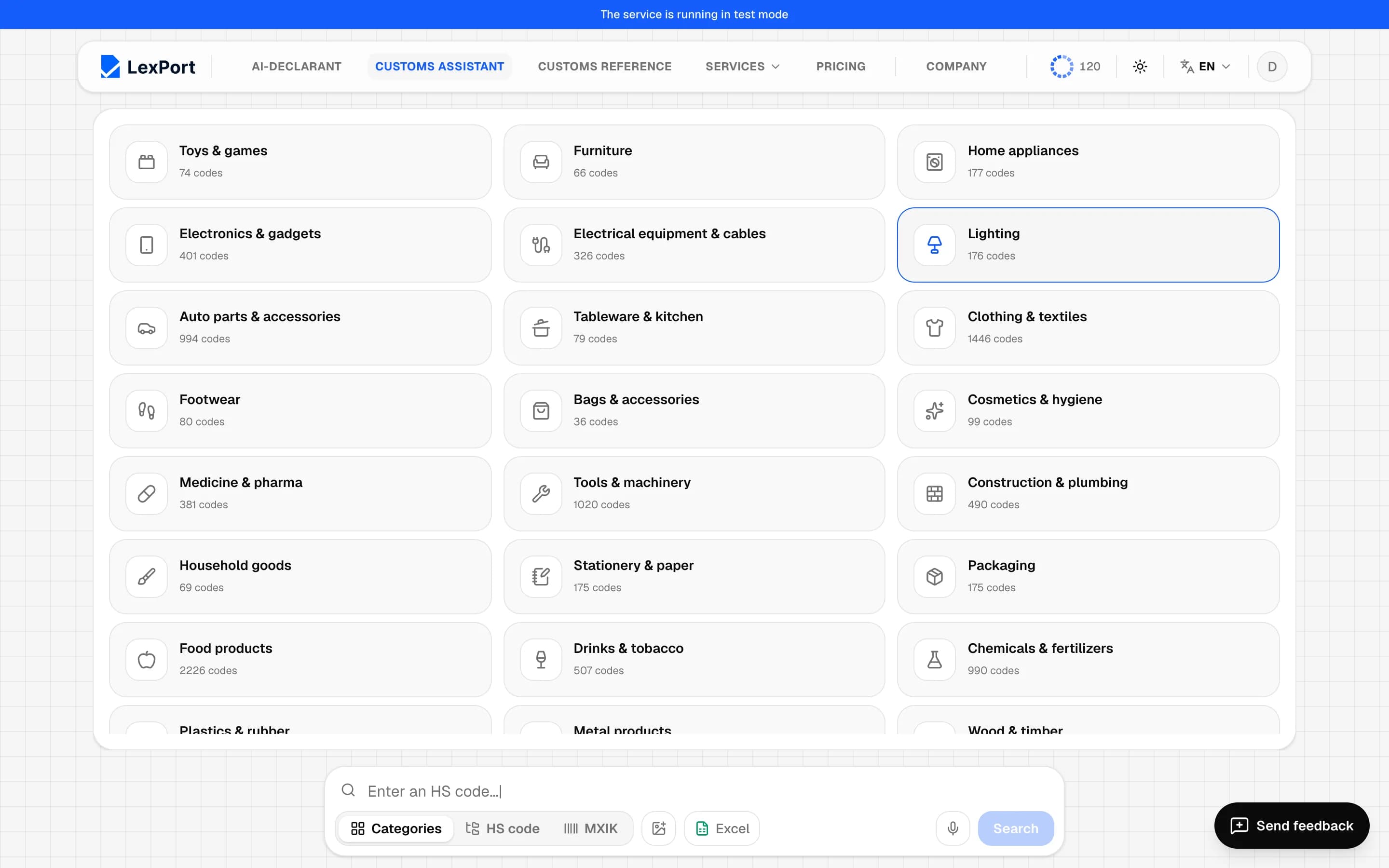
Customs assistant is in the header. The search field is at the bottom of the screen.
Find a code
Search modes: Categories, HS code, MXIK. Type a product name or a code: Enter — search, Shift + Enter — new line, ↑ / ↓ — pick a row of the answer.
- Search starts AI matching: "Which one is your product?" and Use this code.
- A question like "how much does it cost to import 100 phones from China" is parsed automatically — Fill the calculator.
- Say it out loud — if your browser supports it.
- Detect code from a product photo — up to 4 photos; the code isn't filled in automatically, you choose it.
Code card
On the right is the card of the selected code: countries of departure, trade and origin, and tabs:
- Calculator — regime (import, export, temporary import, for personal use), calculation date, weight, quantity, unit price or invoice value, transport costs, inspection hours, engine volume and year for cars, proof of origin. Calculate gives the customs value, payments by type and "Total"; columns for the transaction price, the registry and method 4 — you choose which one goes into the total. Download PDF report, the goods basket, To Excel, To declaration.
- Documents — licenses, certificates, benefits, other requirements.
- Benefits — benefits by code and codes for lines 620/621/629.
- Hierarchy — the HS tree.
- MXIK — catalogue subpositions for the code.
All calculations are for guidance only.
Batch in Excel
Excel → download a blank template, fill it in, choose whether to calculate payments, and upload the file. Errors are shown with the row and column number. A guest can calculate up to 20 items at a time, after signing in — up to 100.