MXIK lookup
MXIK codes for a single product, a list, articles, and the transport directory.
Services → MXIK lookup.
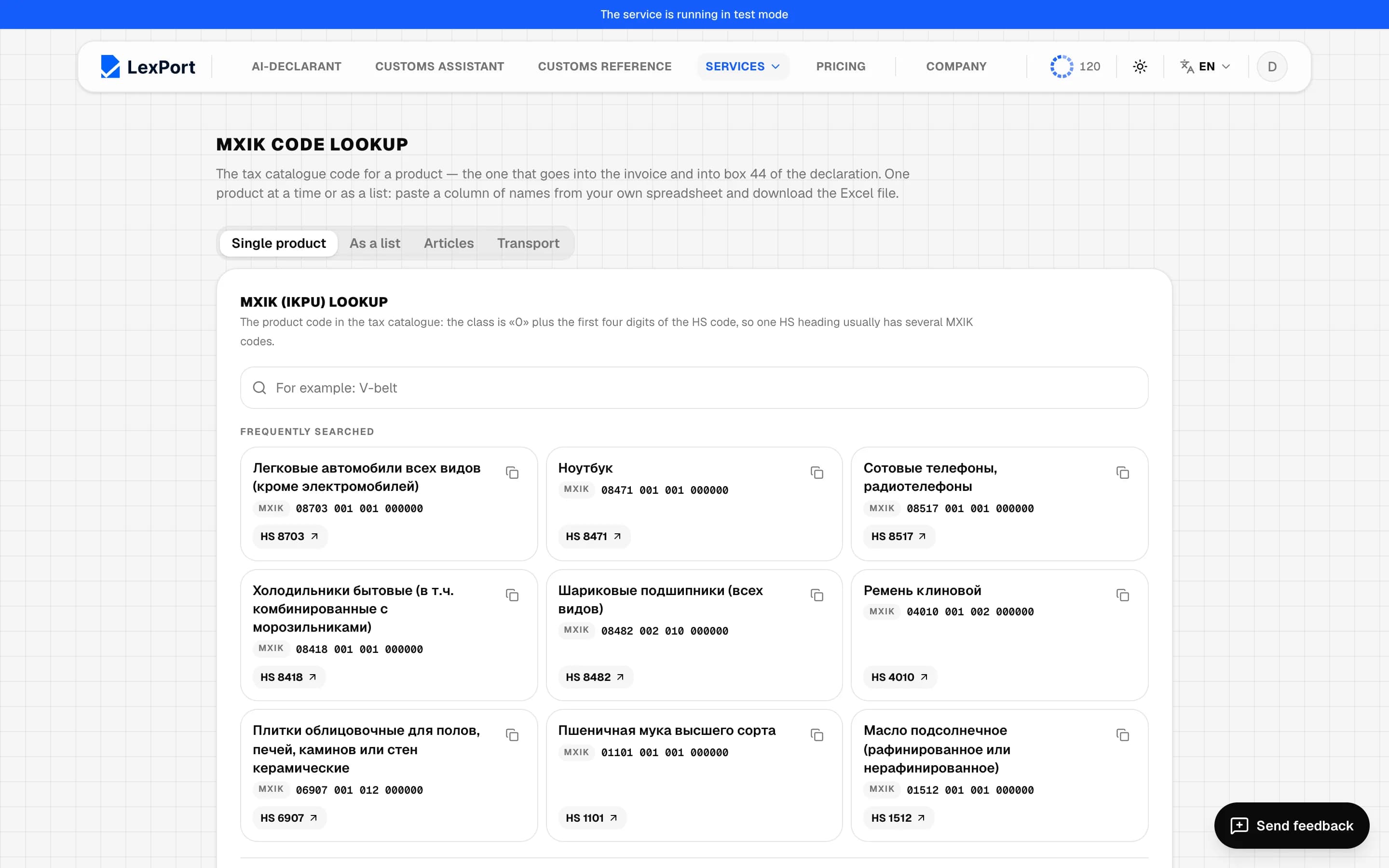
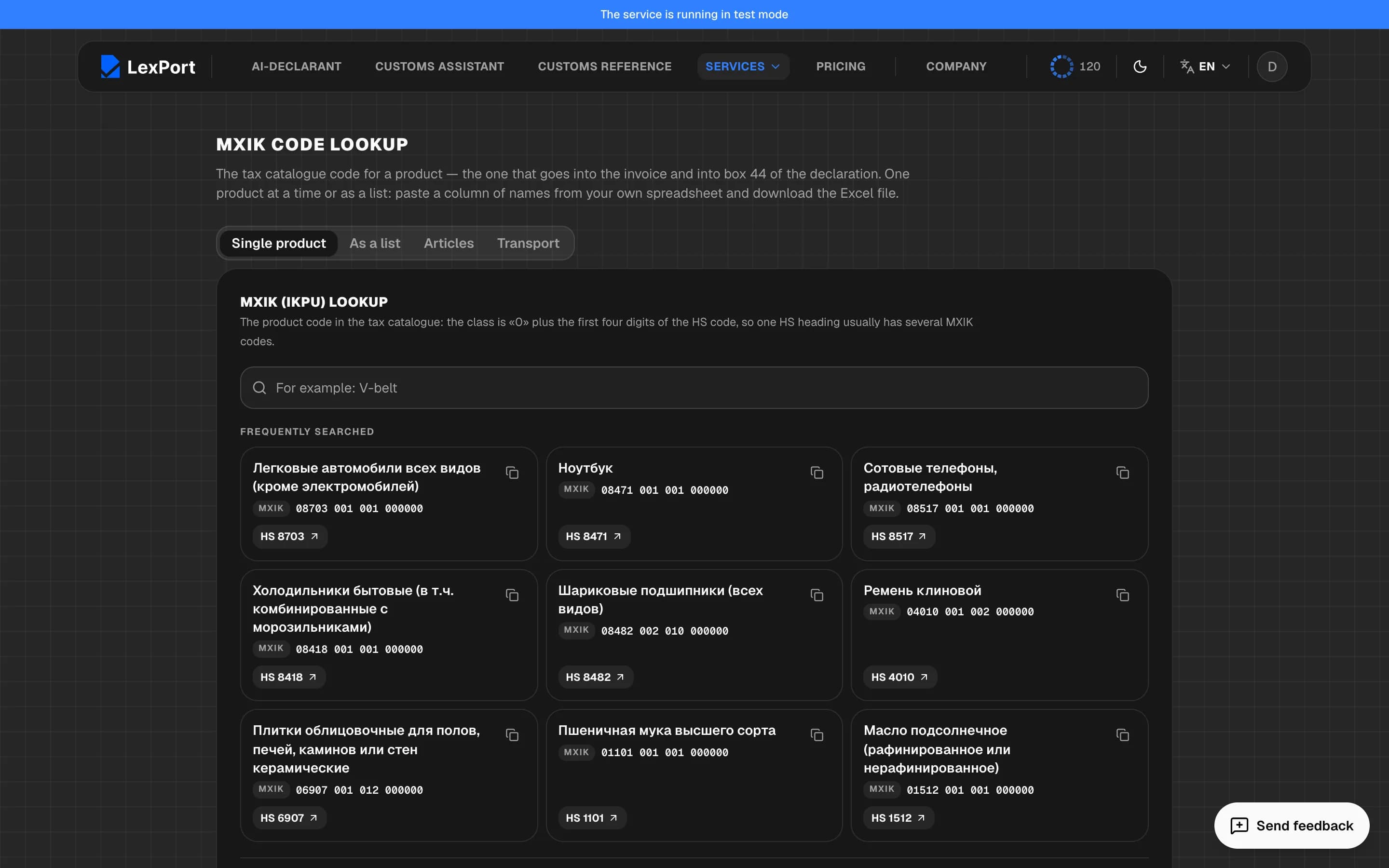
Single product
Search by name ("V-belt"), the Frequently searched showcase. The card has the name, the code (it can be copied) and the HS position. The best match is marked "Looks like a match".
As a list
One line per product; you can paste a column from Excel or Upload file — Excel (choose the sheet and the column with names), a PDF or a photo of an invoice (after signing in, up to 20 MB). Look up codes — up to 200 lines at a time. Row marks: matched automatically, check, picked manually, not found. Download Excel.
Articles
Sign-in required; the directory is shared across the company. Excel workbook: A — HS code, B — MXIK, C — article, D — name. It's applied when uploading box 31 details. Import from Excel (you can delete the existing entries first), Export to Excel, Add, search.
Transport
Sign-in required. Vehicles, drivers and carriers: number, VIN, type, country of completion, the driver's full name, passport and PINFL, carrier. An entry can't be saved without a VIN and number. In the box 18 window a row is filled from here with one button.