Company
The team's shared balance, members and roles, statistics, declarations, history and company details.
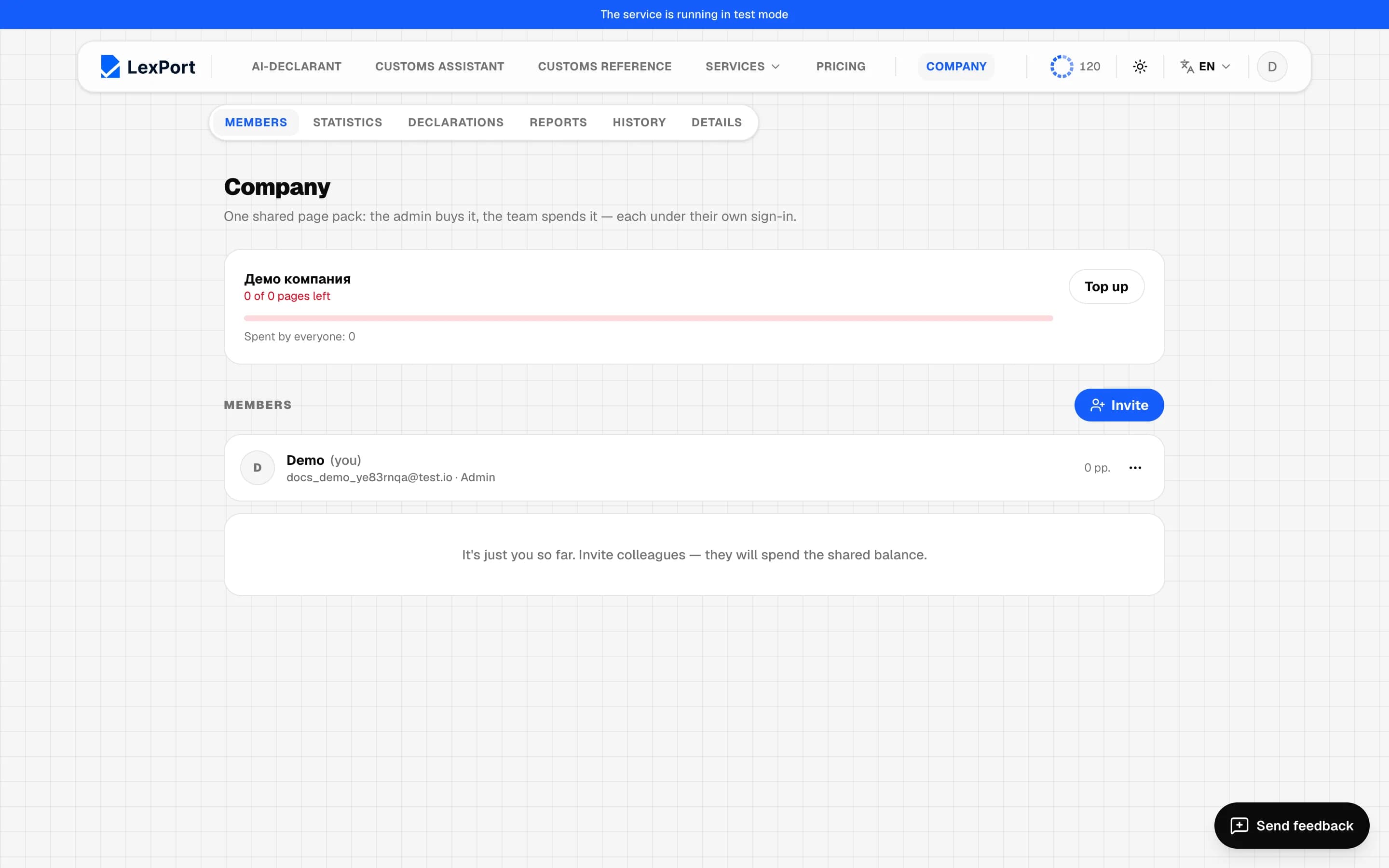
The Company section is a shared page pack: the admin buys it, the team spends it — each under their own sign-in.
Create a company
If you're not in a company — Create a company: a name of 2 to 120 characters. You become the admin, and LexPort asks you to fill in the company details — they're required.
Members
- Invite — an email and a role (Member or Admin). The link comes by email; the invite can only be accepted with an account using that email. An invite is valid for 72 hours; you can Send again or Revoke it.
- The member menu: Disable / Enable, Make admin / Make member, Page limit (how much they can spend from the shared balance; empty — no limit), Remove from company. Your own row has Leave the company.
- The last admin can't be removed or demoted.
A member sees the shared balance, how much everyone and they themselves have spent, and their own limit.
Statistics
Period: 7, 30, 90 days, a year or all time. Pages spent, topped up, declarations (created and exported), "Balance lasts N days", charts of usage, declarations and top-ups, a breakdown by member.
Company declarations
Members' declarations with a filter by member, XML and Excel download. Read-only — only the author can edit. Members' personal declarations don't appear here.
Reports and history
Reports — the same as in Reports, across the whole company and with a filter by member. History — package purchase, credit, document, document refund, payment refund.
Company details
The same fields as in the broker profile. They're filled into company declarations unless the member chose their own. The admin can edit them; there's one sequential declaration number for the company.
Who pays for a declaration
The deal bar has a Who pays switch: Personal balance or Company balance (the company by default for a member). It disappears once a document has gone to processing. If both your own and the company's details are filled in, you can choose Mine or Company's in the declaration creation window; once a declaration number has been assigned, the details don't change.