Settings
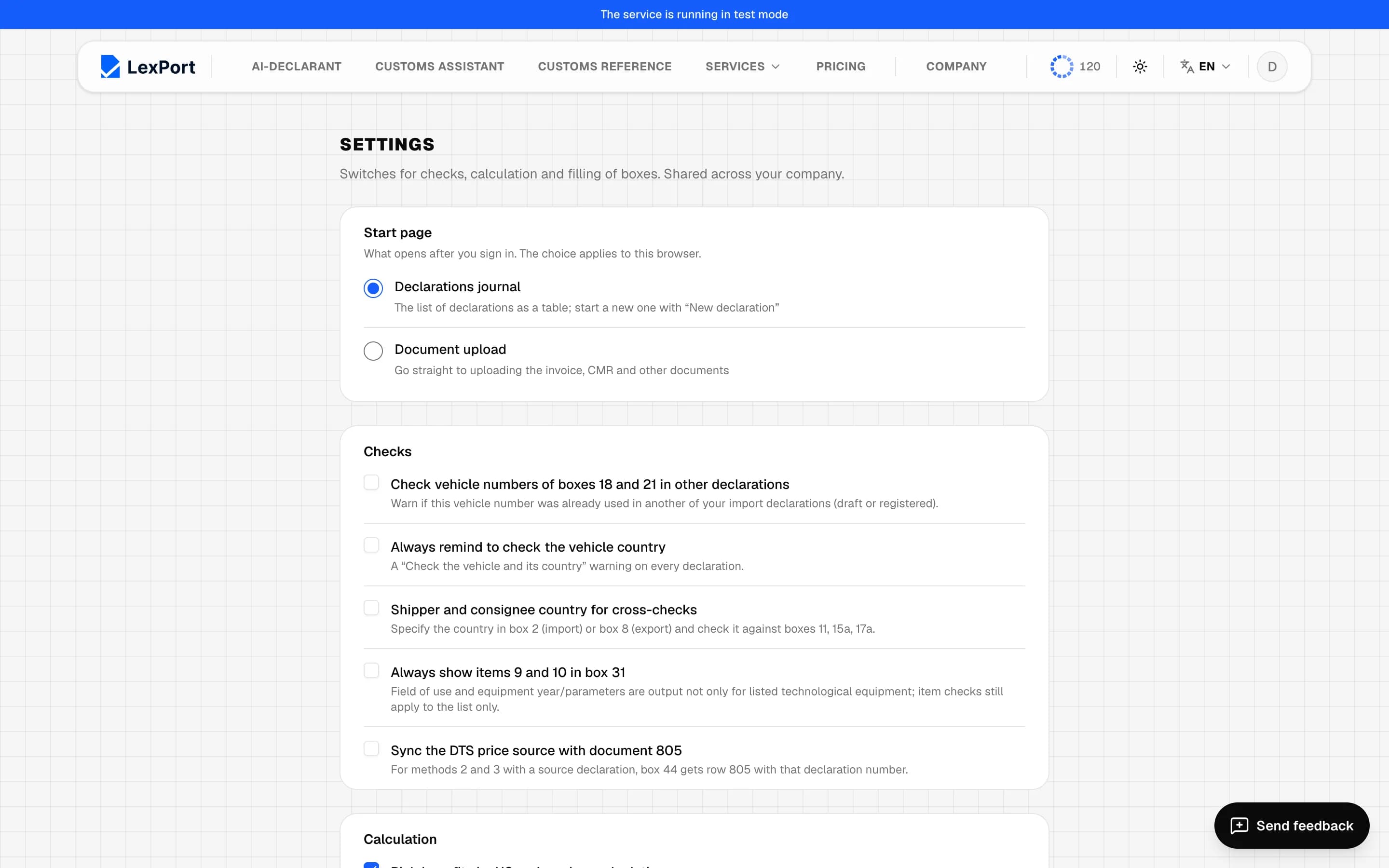
Switches for checks, calculation, boxes, printing and the document inventory — shared across the company.
Account menu → Settings. Settings are shared across your company: any of its members can change them. Outside a company they're your own. Save, Restore defaults. Without signing in only the defaults are shown.
Items marked "not in effect yet" are grayed out — you can't toggle them.
Start page
What opens after you sign in: Declarations journal (default) or Document upload. It's saved immediately and applies to this browser.
Checks
| Setting | Default | What it does |
|---|---|---|
| Check vehicle numbers of boxes 18 and 21 in other declarations | off | warns if the number was already in another of your import declarations |
| Always remind to check the vehicle country | off | a reminder on every declaration |
| Shipper and consignee country for cross-checks | off | checks the country in box 2 or 8 against boxes 11, 15a, 17a |
| Always show items 9 and 10 in box 31 | off | |
| Sync the DTS price source with document 805 | off | for methods 2 and 3 puts line 805 into box 44 |
Calculation
| Setting | Default | What it does |
|---|---|---|
| Pick benefits by HS codes when calculating | on | "Calculate" asks for each item which benefit to apply |
| Ask which value box 46 is calculated from | off | |
| Allow calculating duty at 5% | off | |
| Calculate duty for Ukraine at the single rate | off | |
| Track warehouse remainders | — | not in effect yet |
Boxes
| Setting | Default |
|---|---|
| Copy boxes 18 and 21 when adding goods from another declaration | off |
| Rail and air export: box 18 without vehicle details | off |
| Show "Total number of places" in box 31 | on |
| Places equal the number of packages | off |
| Ask to add the data to the customs value registry when the registration No. is entered | on |
| Quantity in item names (goods in kg) | off |
| Article as a separate field | off |
| Currency converter on the goods sheet | on |
| Sort tables by clicking the header | off |
| Open all declarations by edition 2773-10 | off |
| Open all declarations by edition 2773-11 | on |
| Show box 44 details as a table | off |
| Show fuller information in the box 44 directory list | off |
Sorting box 44 documents, the old container input, hiding the invoice value in positions, all characteristic fields, the new box 28, box 31 details as a table and common box 44 documents on every item are not in effect yet.
Printing
| Setting | Default |
|---|---|
| Cross out empty boxes when printing | on |
| QR code on the front sheets | off — the default tick in the print window |
| Do not print box B | off |
| Euro rate in box B | off |
Document inventory
Box 44 items to leave out of the inventory — separately for import and
export. Codes are separated by ";", "6*" means all codes starting with 6.
The default is 6;904;401;404;406;410;417;418;419;420;905;301;.