The Actions menu
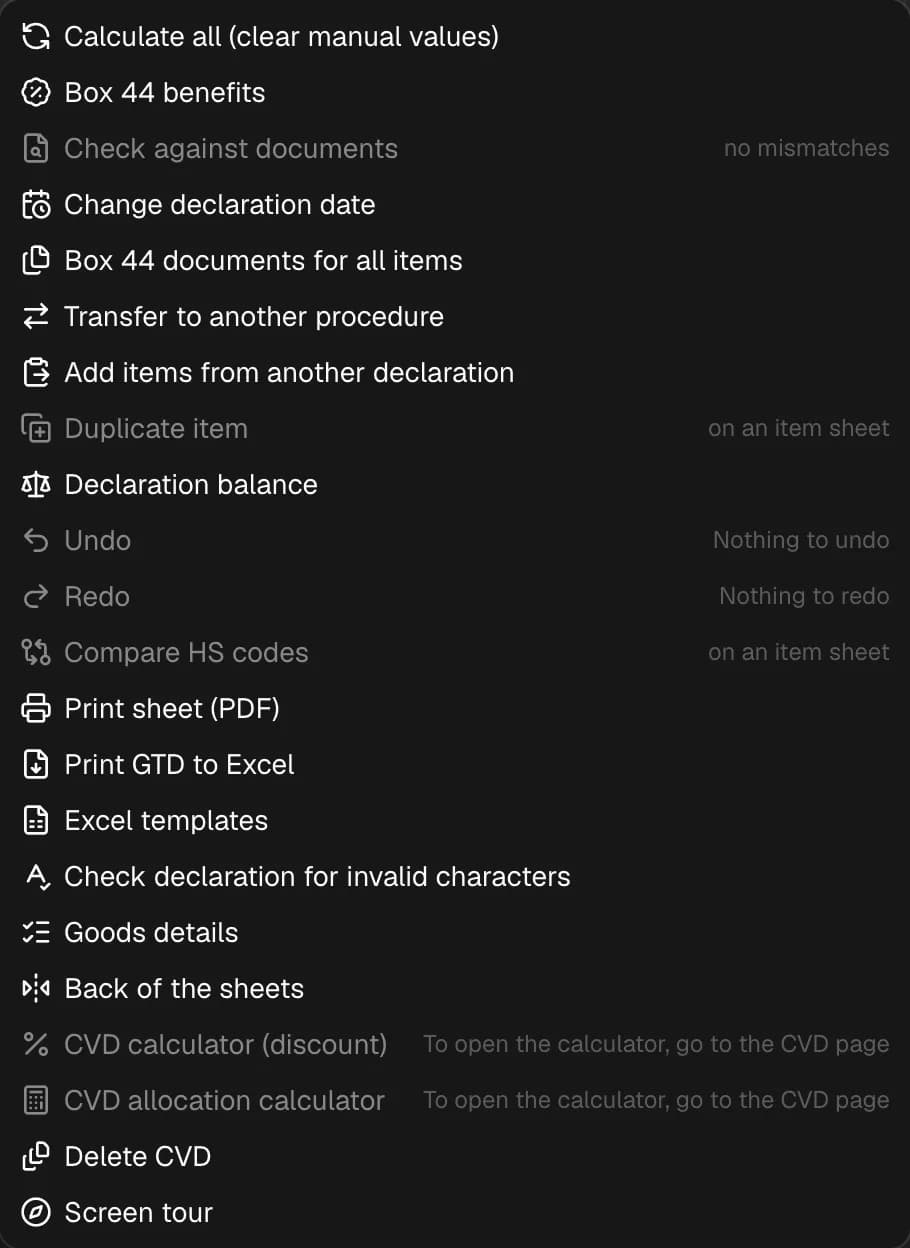
All commands of the Actions menu on the boxes screen.
The Actions button is on the right of the sheet bar. A command that isn't available right now is grayed out, with the reason on the right: you need to sign in, the declaration is locked for editing, item sheet only, no discrepancies, no goods, nothing to undo.
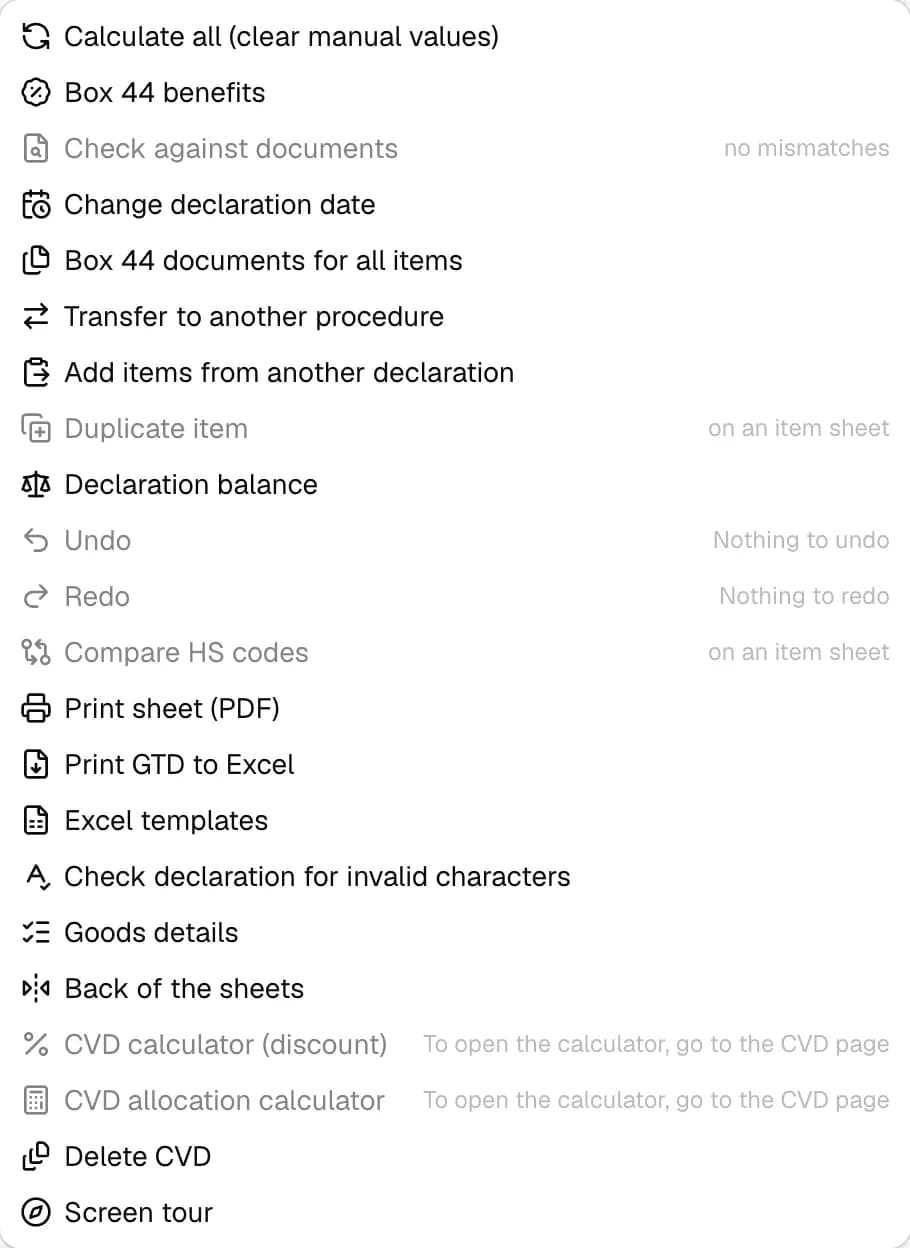
| Command | What it does |
|---|---|
| Calculate all (clear manual values) | shows the calculated boxes that hold your own values and, after "Clear and calculate", recalculates everything; the rate and date don't change, undo with Ctrl + Z |
| Box 44 benefits | benefit questions for all items, answers go to boxes 44 and 36, without calculating payments |
| Check against documents | a list of errors on the "Document cross-check" tab — see Cross-check with documents |
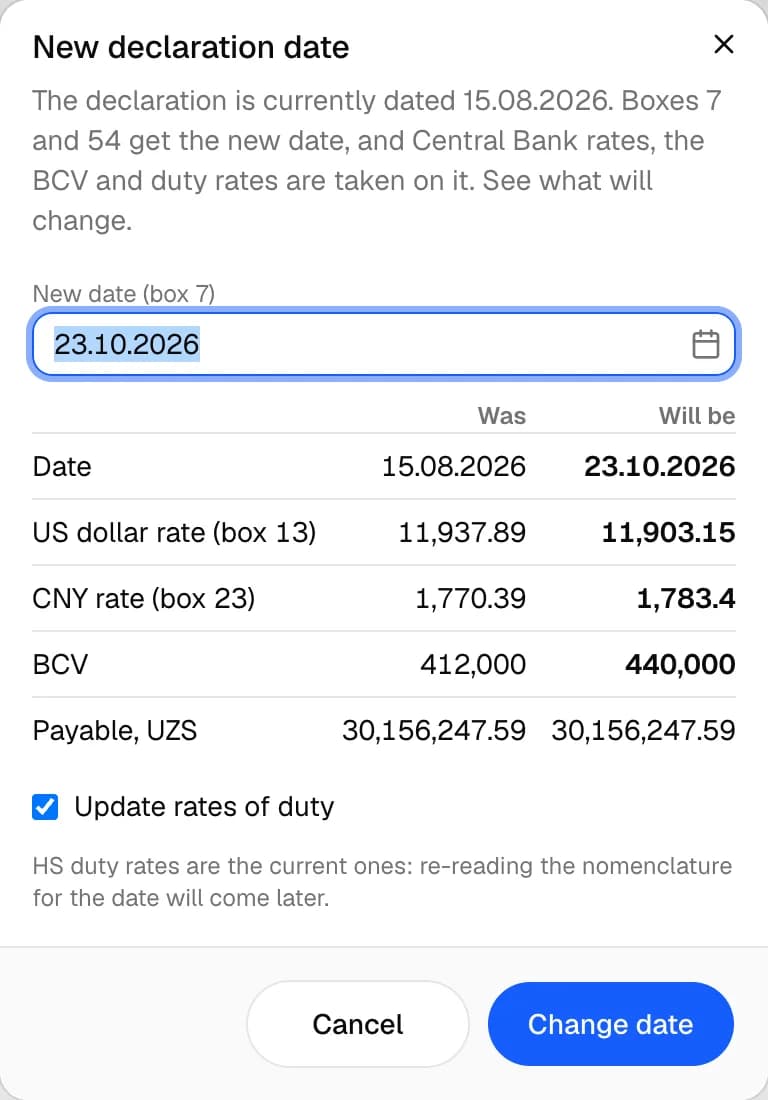
| Change declaration date | a new date and a "Was / Will be" table: rates, BCV, payable; the "Update rates of duty" checkbox |
| Box 44 documents for all items | see Box 44 window |
| Transfer to another procedure | the "Declaration registration" window — see Regime and transfer |
| Add items from another declaration | declarations on the left, items on the right; the "Without inventory and box 44" and "With the main sheet (header is replaced)" checkboxes |
| Duplicate item | a copy of the current item — on the item sheet |
| Declaration balance | for the preceding declaration in box 40: was, transferred, remaining |
| Undo / Redo | by edit history |
| Compare HS codes | the codes window on the "Transitions" tab — on the item sheet |
| Print sheet (PDF) | the CCD sheet, item sheet or CVD in a new tab; Ctrl + P |
| Print GTD to Excel | the printed form in Excel; as an archive if there are several parts |
| Excel templates | see Excel templates |
| Check declaration for invalid characters | finds invalid characters and offers to replace them in one edit |
| Goods details | licenses, certificates, benefits and other requirements for each item; "Download .docx" |
| Back of the sheets | the text on the back of the main and supplementary sheets; Ctrl + B |
| CVD calculators, Create / Delete CVD | see CVD sheet |
| Screen tour | a tour of the screen's buttons |
Change declaration date
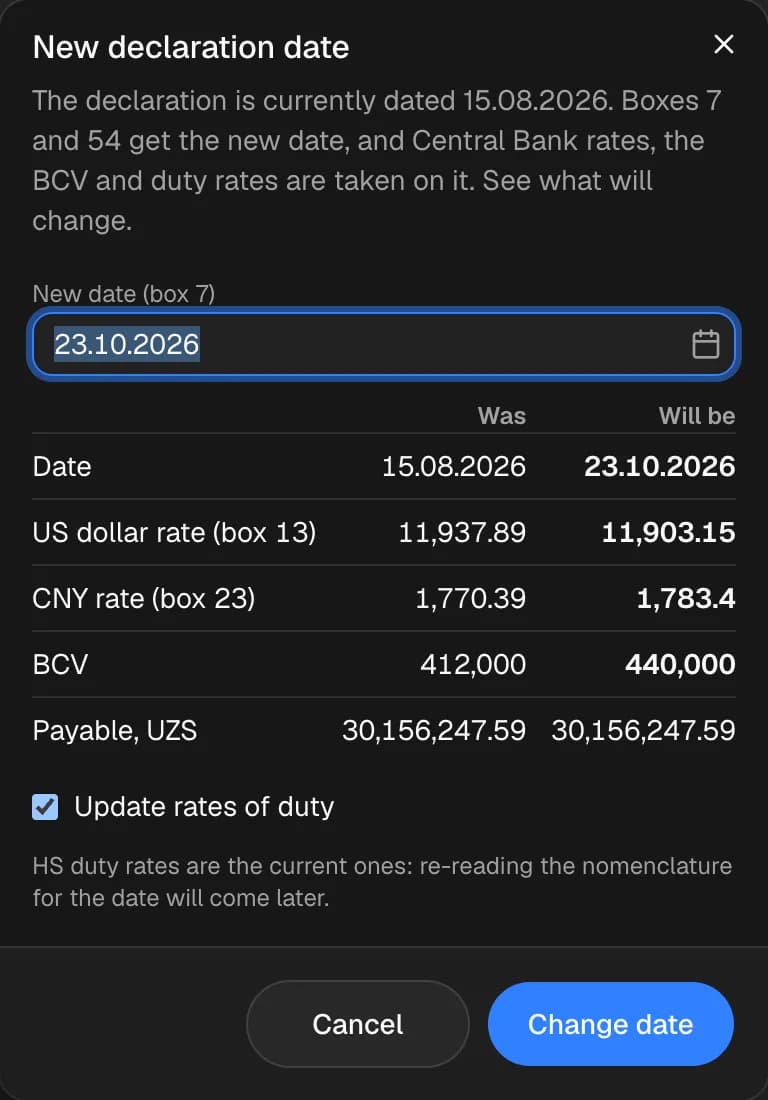
The New declaration date window (Alt + C) shows what will change: the date, the US dollar rate in box 13, the box 23 rate, the BCV and the amount payable. If you untick Update rates of duty, the rates stay the same, and the calculations in boxes 46, 47 and B are cleared. If the Central Bank has no rate for the date, you can enter it. Change date applies it.
Back of the sheets
A list of sheets — the main one (TD-1) and the supplementary ones per item. You can edit the back text, apply it For all sheets, clear it and print it (Print the back). If the back is open, "Print sheet (PDF)" prints only the back.