Calculating payments
The Calculate button, calculation questions and box 47 rates.
Calculate
Calculate (Alt + R) saves your edits and recalculates the payments in box 47 and box B. When it's done, a message shows what changed and the amount payable before and after.
If errors block the calculation, you'll see "Not calculated. Fix the errors", followed by a list of only the items that block it.
Questions during calculation
Sometimes the calculation needs your decision — then windows open one after another ("Window 1 of 3"):
- item benefits — tick the exemption items, optionally for all items at once;
- whether to recalculate the statistical value in box 46;
- which value to base payments on;
- which of several duty rates to apply;
- recycling fee, excise and other special cases.
Box 47 rates
On an item sheet, the box 47 card has a Confirm rates button. Until the rates are confirmed, it's filled blue.
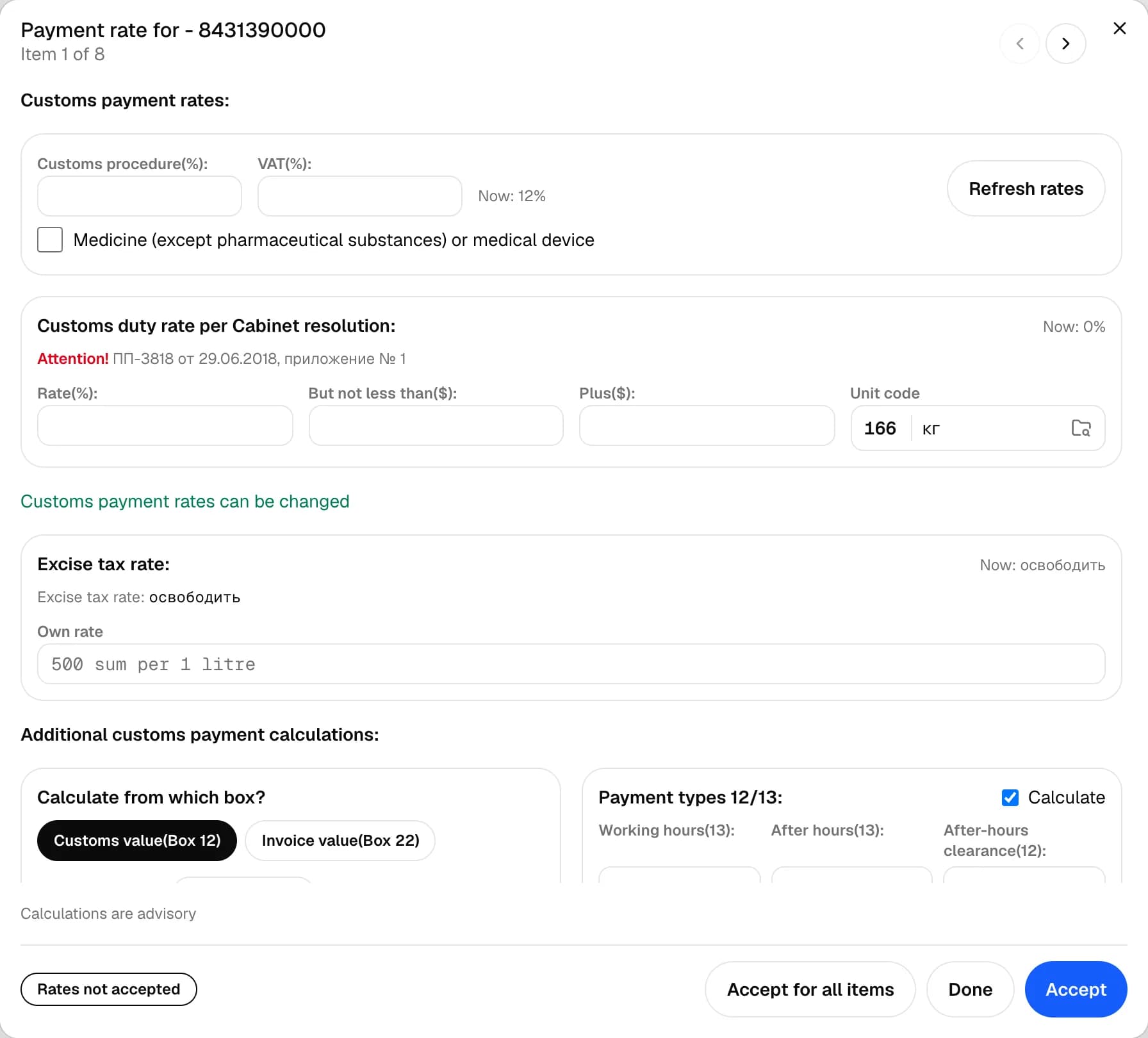
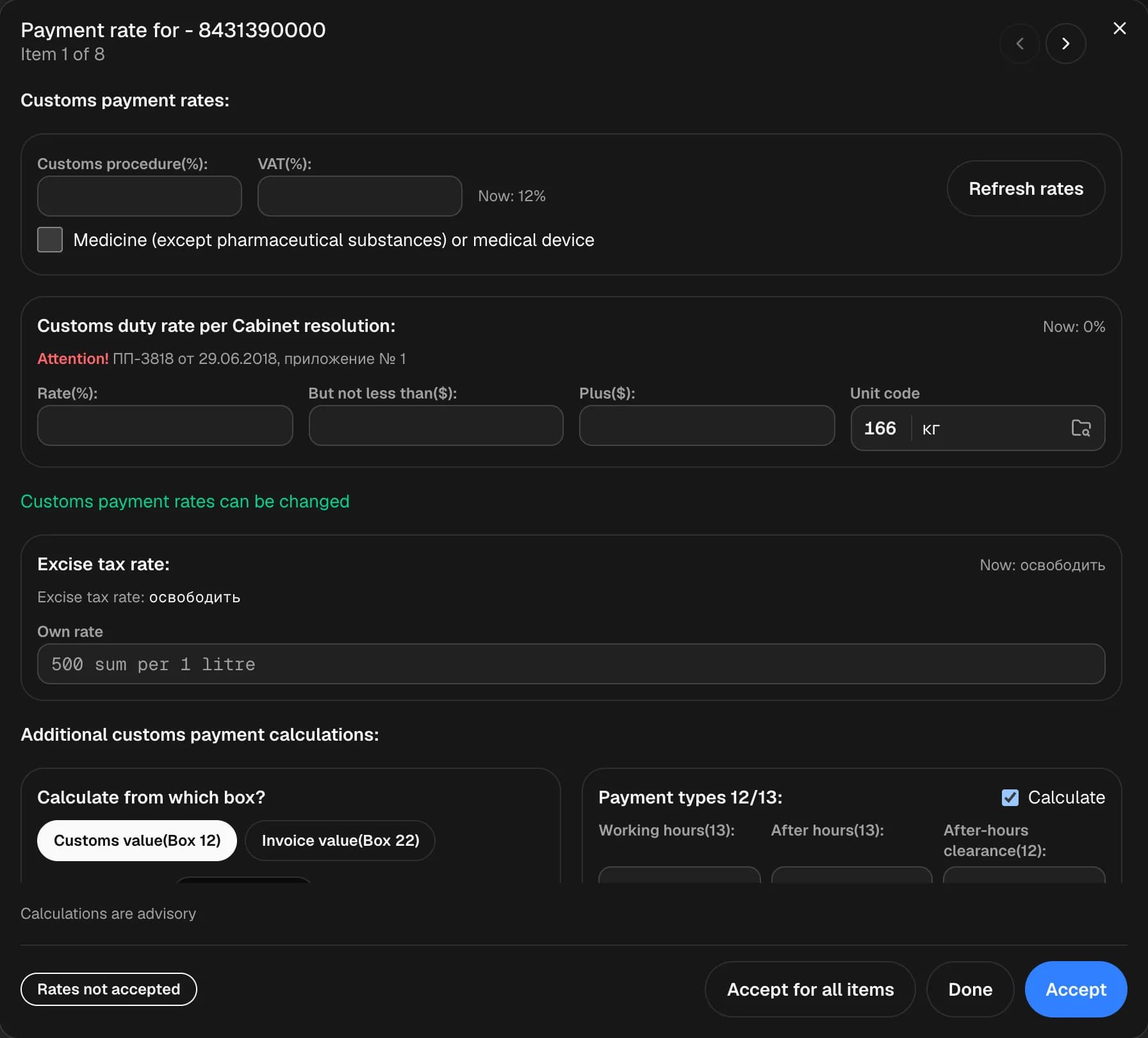
The rates window shows duty, VAT, excise, a custom rate and additional payments for the item; the arrows switch between items. Accept confirms the rates for the current item, Accept for all items — for all of them at once.
Calculate all
The Actions menu has Calculate all (clear manual values): it removes manually entered values from calculated boxes and recalculates everything.