CVD sheet
The customs value declaration — CVD-1 and CVD-2 forms, discount and allocation calculators.
The CVD sheet appears when the declaration has a CVD (Alt + 3).
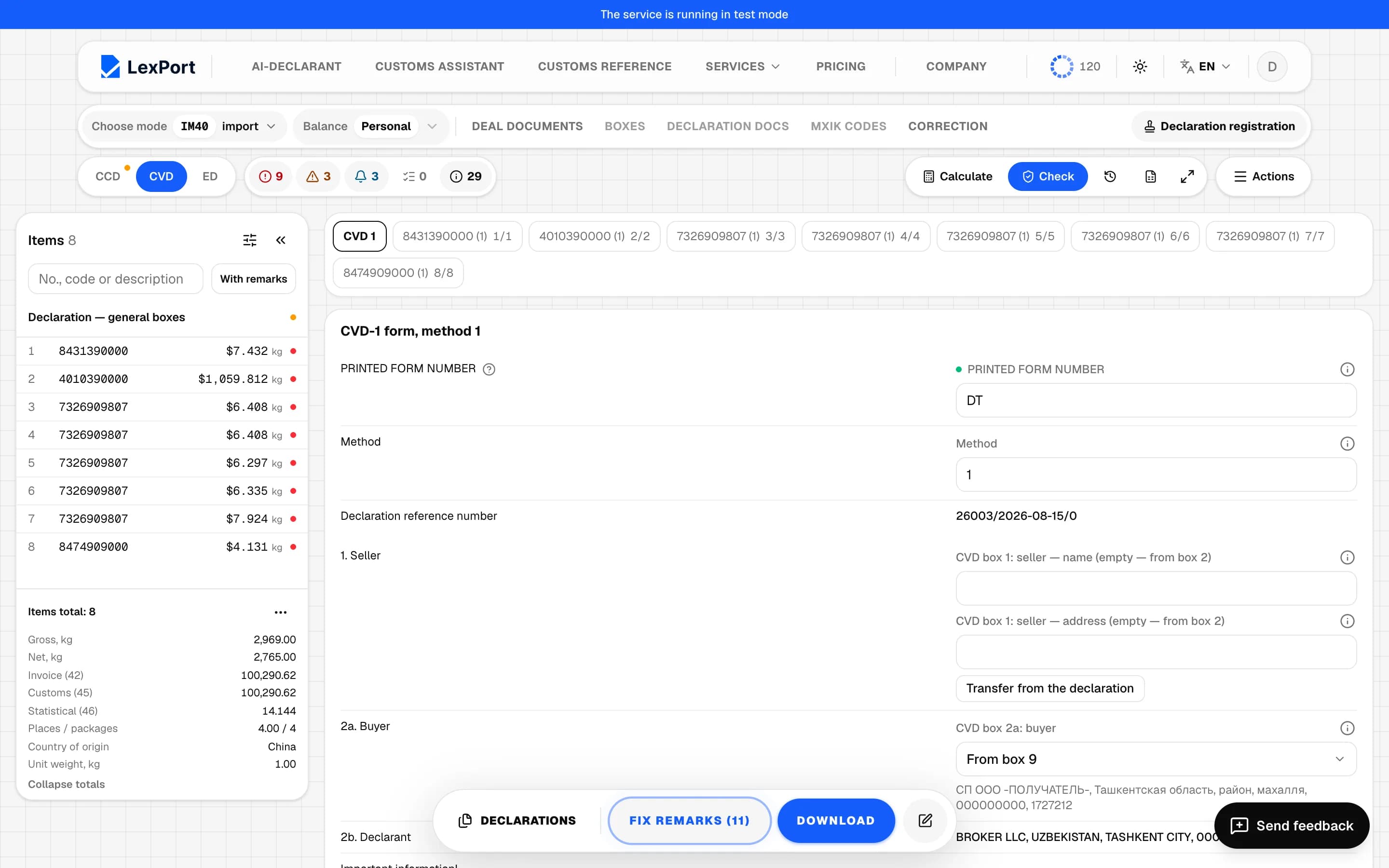
Forms
At the top are the CVD sheets: "CVD 1", "CVD 2" and item sheets with a method. Forms: CVD-1 (method 1), CVD-2 (methods 2–6) and method sheets. Form rows are labeled as on the paper form: seller, buyer, delivery terms, invoice, contract, yes/no questions and so on. Declaration data is shown read-only; anything without room on the form goes into the Other block.
Sheet buttons
- Transfer from the declaration — for row 1 the seller is taken from box 2, for row 4 the manual edit is cleared.
- For CVD-2 methods 2 and 3: the source Builder, copying the source to neighboring items, units and currencies, the registration number (written as line 805 of box 44), city selection.
- Excel for the item sheet — upload and download of CVD-1 and the CVD-2 source.
Calculators in Actions
- CVD calculator (discount) — a discount in percent, a CVD-1 row and Calculate.
- CVD allocation calculator — amount, currency and the Central Bank rate on the declaration date (can be corrected), a CVD-1 row, split by box 35, box 42 or the difference between boxes 45 and 42. The rounding remainder goes to the last item.
Both are available on the CVD sheet if the CVD has method 1 items.
Create or delete a CVD
Actions → Create CVD or Delete CVD. Deleting doesn't erase the data — box 45 is calculated from it — the CVD simply isn't included in the file. The action can be reverted with "Undo".