Box 31 "Details" window
Goods description by box 31 paragraphs, positions, splitting an item, containers and IMEI.
To open it: on the item sheet, the Details button on the box 31 card, or F2. Next to it are the Unit button — other box 31 units — and the See overleaf checkbox.
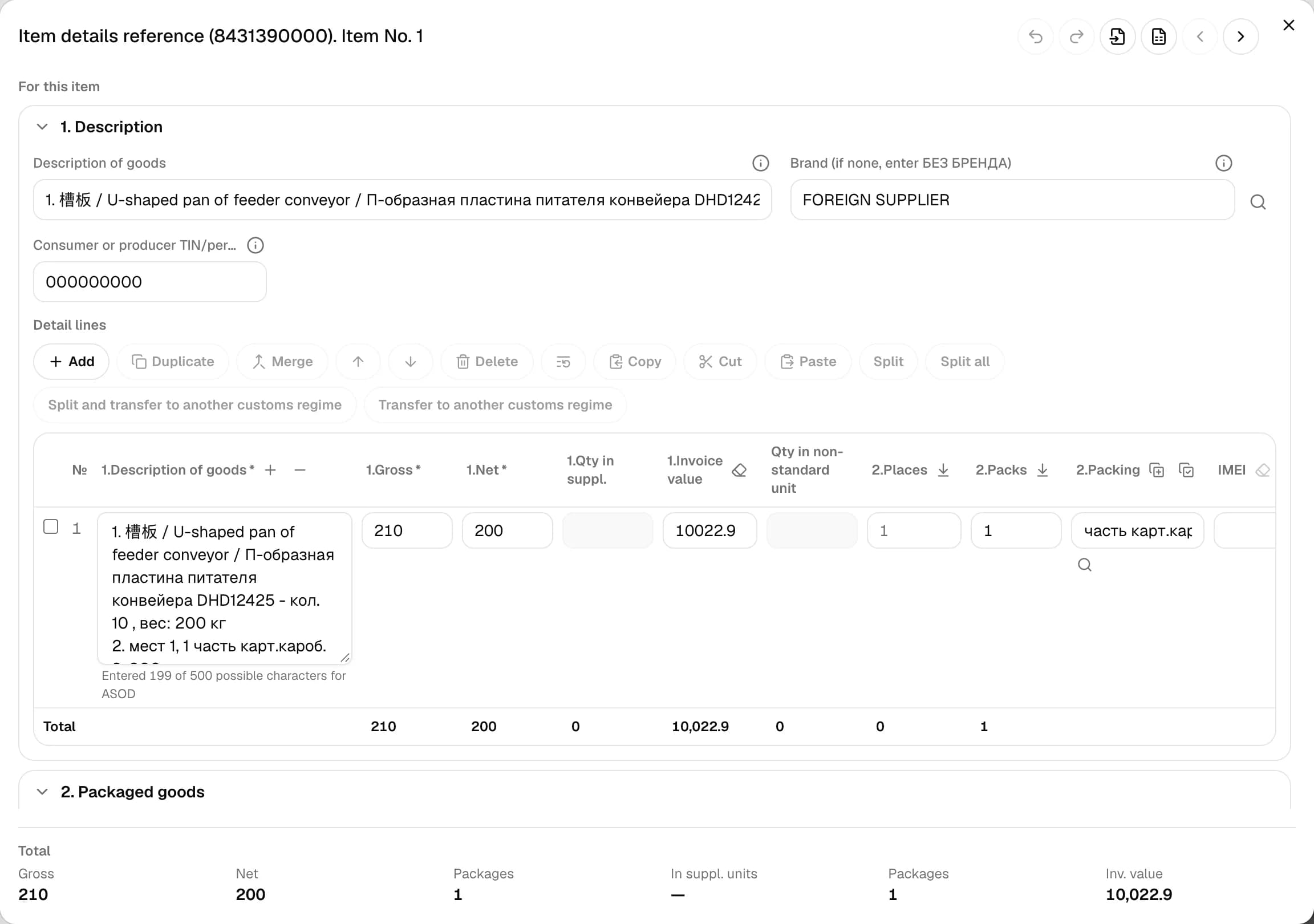
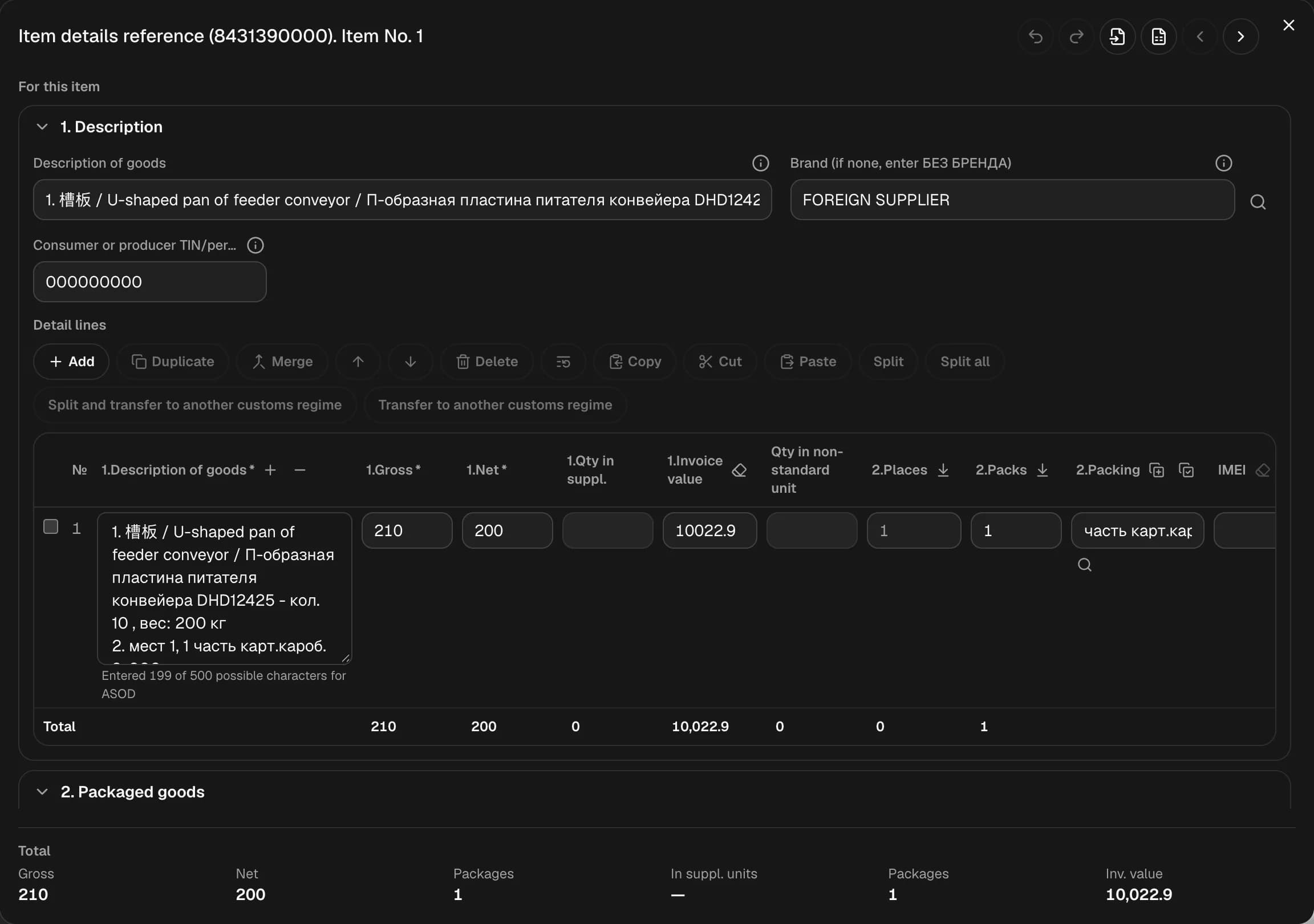
The window title is "Item details reference (code). Item No. N". To move to a neighboring item, use the arrows or Ctrl + ← / →.
Window header
- Undo (Ctrl + Z) and Redo (Ctrl + Y);
- Copy from another CCD — details from an item of another declaration;
- Excel templates — goods, IMEI and containers.
Box 31 paragraphs
Paragraphs collapse; some are For this item, some For all items:
- Name
- For packaged goods
- For goods carried in containers — only if box 19 is "1"
- For labeled excise goods
- Period of transfer over power lines
- Aggregated import customs code
- Shelf life
- Investment program code
- Process equipment application code
- Year of manufacture
- Public procurement import flag
Paragraphs 9–11 are for process equipment only. Then come Goods characteristics, Device IMEI codes, Vehicles, Item barcode and Other.
The packaging, brand, energy class, manufacturer, color and article fields have their own reference lists. Paragraphs 7–8 are copied to all paragraphs of all items, 9–11 to all items.
Containers (paragraph 3)
Add container, Insert "Part", Insert "Cargo owner's property".
Detail positions
A table of positions with a button bar: Add, Duplicate, Merge, Move up, Move down, Delete, Copy description and weights from the first line. Copy, Cut and Paste move positions between items — pasting goes after the selected position.
Once positions are edited manually, they're no longer updated from the documents; Restore from documents takes them from there again.
At the bottom are the totals: gross, net, packages, supplementary units, places, invoice value. Buttons in the column headers copy places and packages down, move packaging to paragraph 2, change the font size, clear the invoice value and IMEI, and pick MXIK codes by article (line 875 in box 44).
Split an item
- Split — the selected positions become separate items right after the current one;
- Split all;
- Split and transfer to another customs regime;
- Transfer to another customs regime — when all positions are selected.
LexPort asks for confirmation before splitting.
IMEI
Several IMEIs are separated by commas, two SIMs of the same device by "/". Duplicates are searched for both in this item and in other items.