Box 44 "Documents" window
An item's documents, codes and dates, copying to other items, benefits and documents for all items.
On the box 44 card
On the item sheet, the box 44 card has the item's list of documents and these buttons:
- Add document — the box 44 item code from the reference list, number, date and a choice of For this item or For all items. For 6XX codes there's Benefit code (Annex 14) — from the list: it fills in the code and date.
- All details and several items (or F2) — the box window.
- Copy from declaration — documents from another declaration.
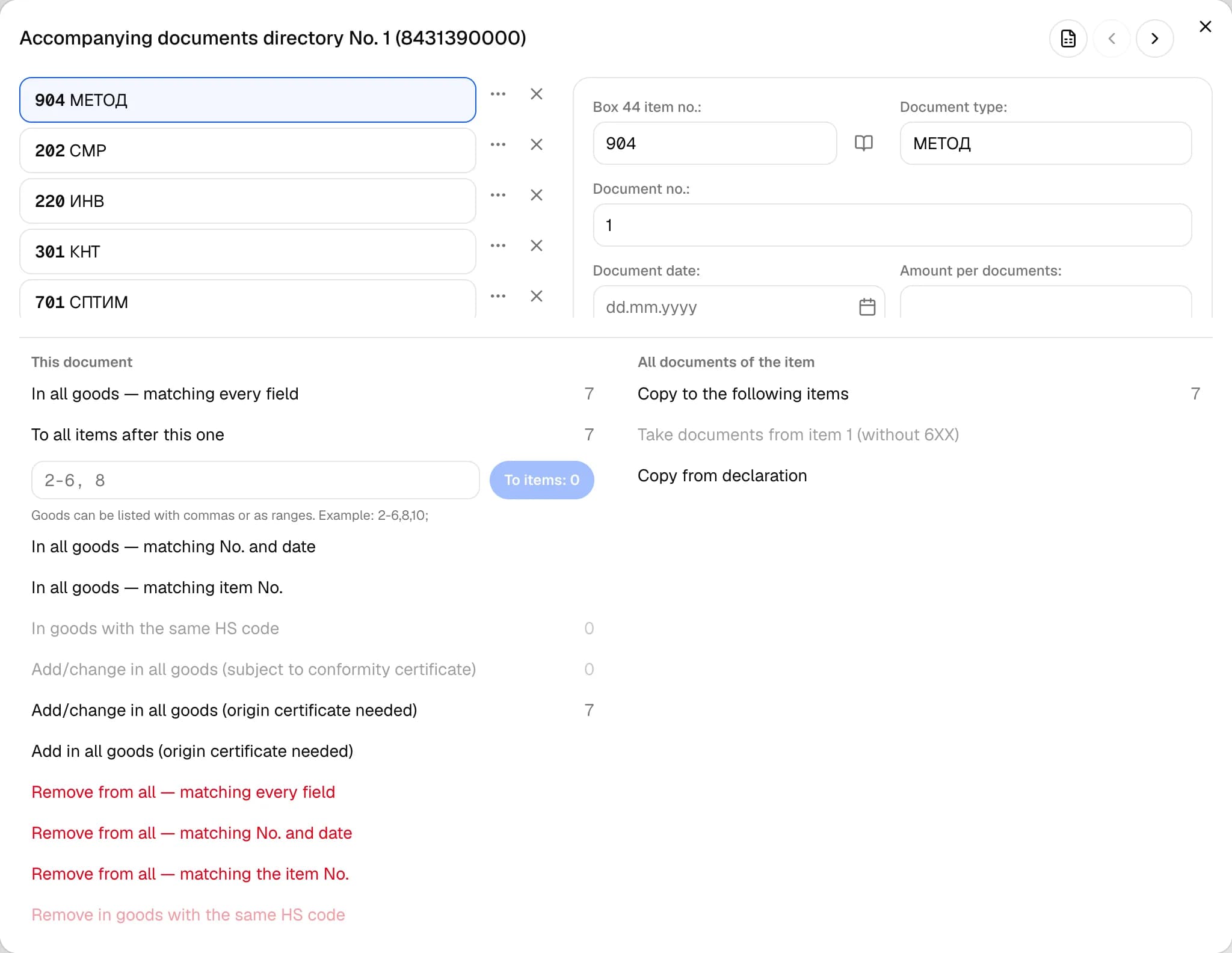
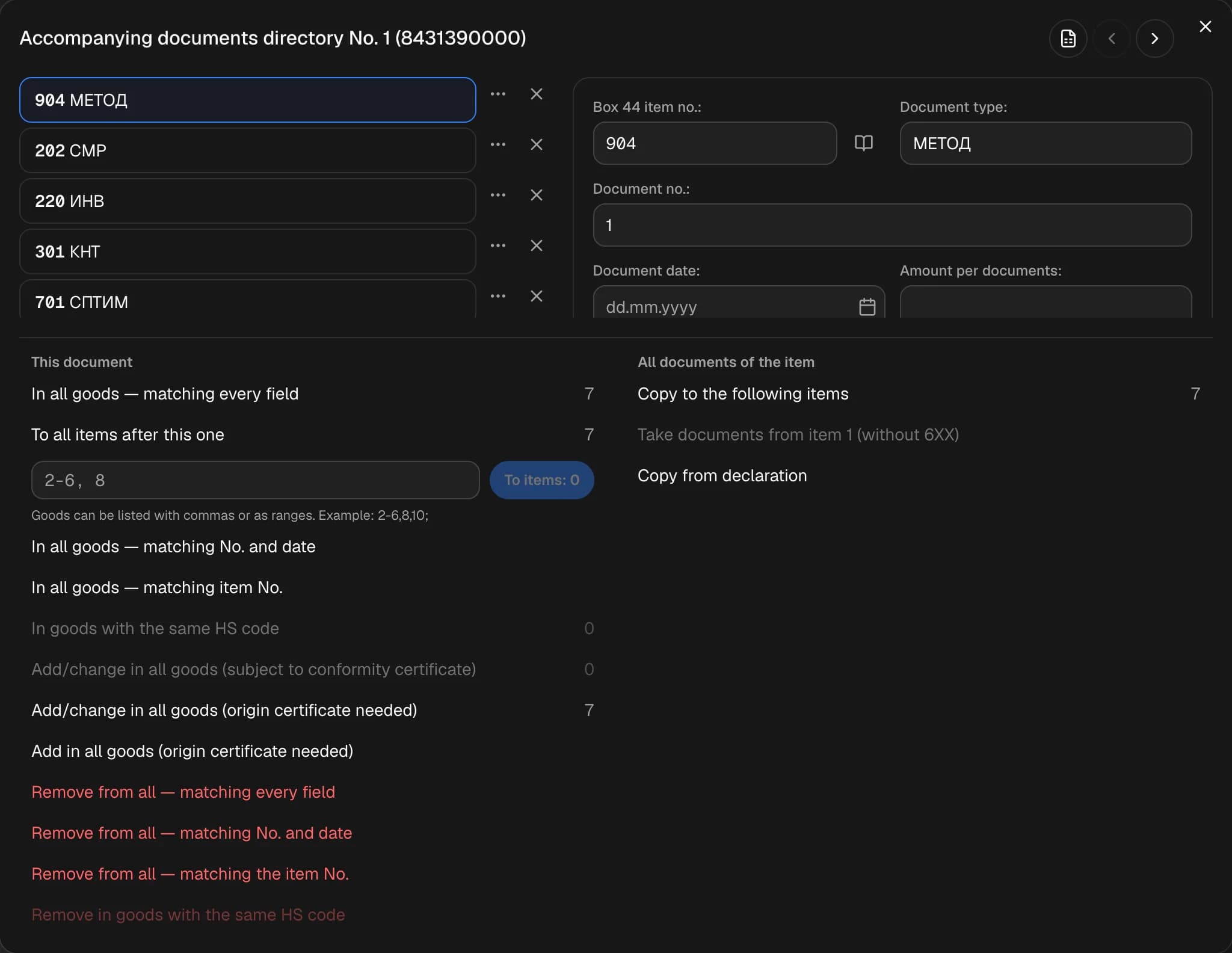
Box window
The title is "Accompanying documents directory No. N". On the left are the document rows (Ctrl / Shift to select several; the row menu has duplicate, copy, paste). On the right is the row card: code, type, number, amount and currency, note, post (for export) and Save details.
Window buttons: Document directory (after signing in), Sort, IKPU lookup, Excel templates.
This document
Copy to: all items, the next item, items from a list ("2-6, 8"), items with the same number and date, code, HS code, container or color. Delete from all such items — the same options.
All of the item's documents
Copy all documents to the next item, take the documents from item 1 (without 6XX), copy from another declaration (you can list codes separated by commas), certificate 304 — to all items.
Box 44 documents for all items
Actions → Box 44 documents for all items — the same window, but it only shows the rows every item has, and a new row is added to all items at once.
Box 44 benefits
Actions → Box 44 benefits opens benefit questions for all items — without calculating payments. The answers are written as 6XX lines in box 44 and as letters in box 36. Benefits are matched by HS code, including your own benefits.