Boxes screen
Excel templates
Downloading and uploading templates for goods, IMEI, containers, transport, documents and CVD.
Actions → Excel templates. Download gives you a template with the declaration's data, Upload applies a filled-in file (.xlsx).
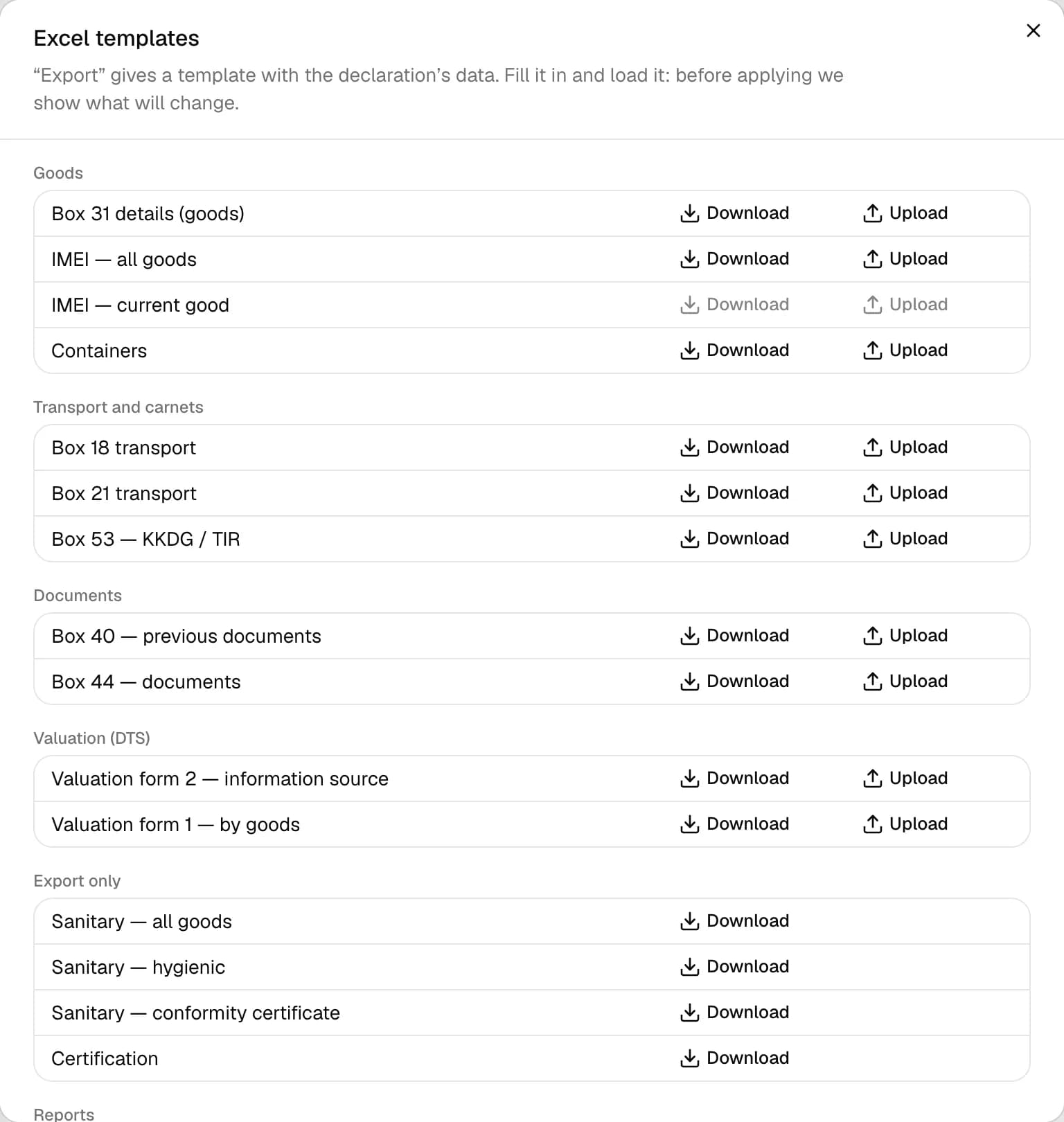
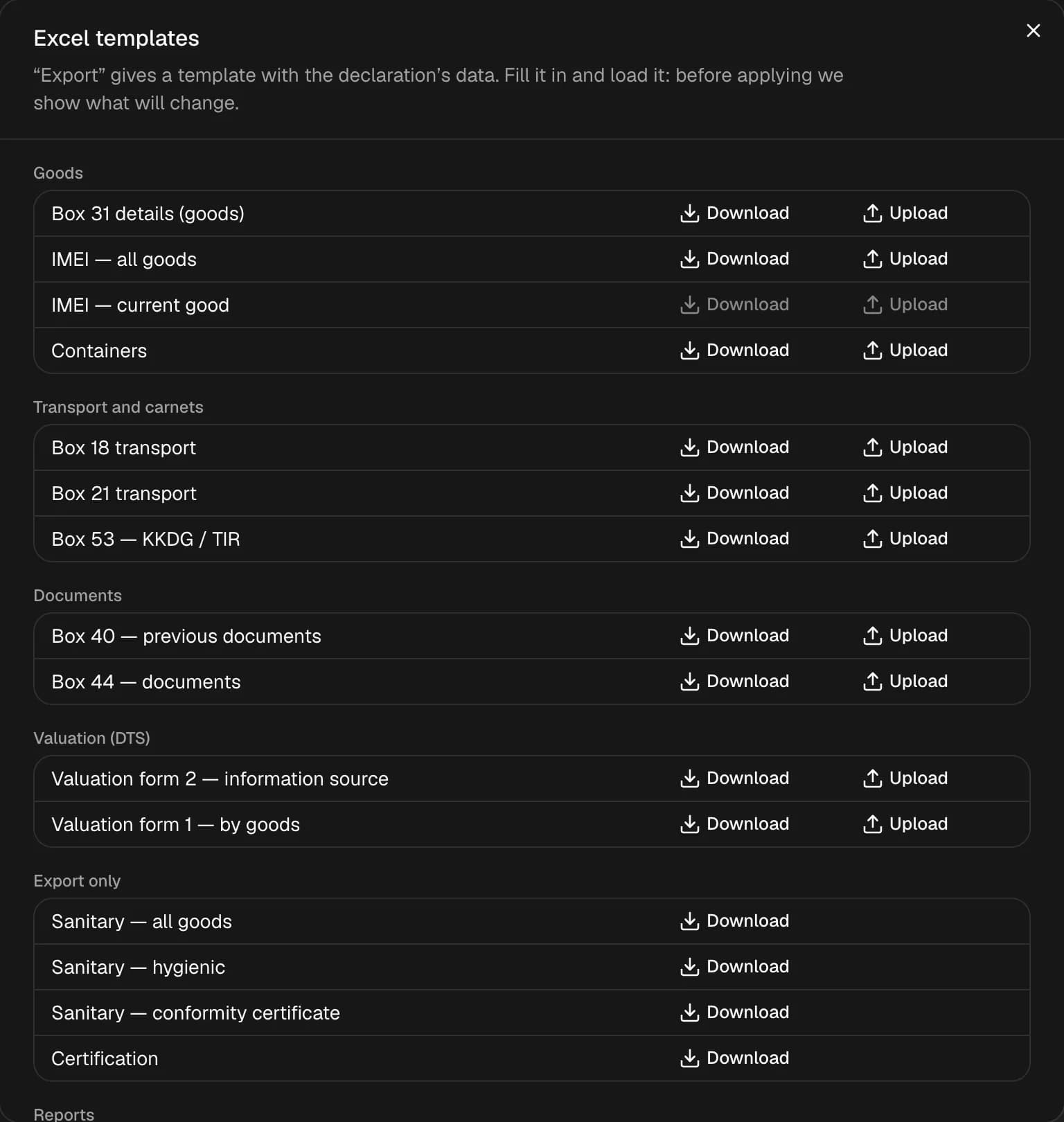
Templates
| Group | Templates |
|---|---|
| Goods | box 31 details, IMEI of all items, IMEI of the current item, containers |
| Transport and carnets | box 18, box 21, box 53 (KKDG / TIR) |
| Documents | box 40, box 44 |
| CVD | CVD-2 — source of information, CVD-1 — by item |
| Download only | sanitary, hygiene, conformity, certification |
| Reports | declaration report, goods statement, calculations, CCD correction calculations, remainders |
Uploading
- The file is checked first: the window shows how many rows the workbook has and that the existing data will be replaced.
- Errors are listed as "Row N, column X". While there are errors, Apply is disabled — fix the workbook and upload it again.
- Sometimes LexPort asks: merge identical items with the same code and country, create a new declaration if there are more than 100 items.
- After applying — "Rows loaded: N".
Box windows open only their own templates: box 31 — goods, IMEI and containers, box 44 — its own, boxes 40 and 53 — their own, the CVD sheet — CVD. Only blank templates are available from the journal. Upload isn't available for a declaration locked for editing.